

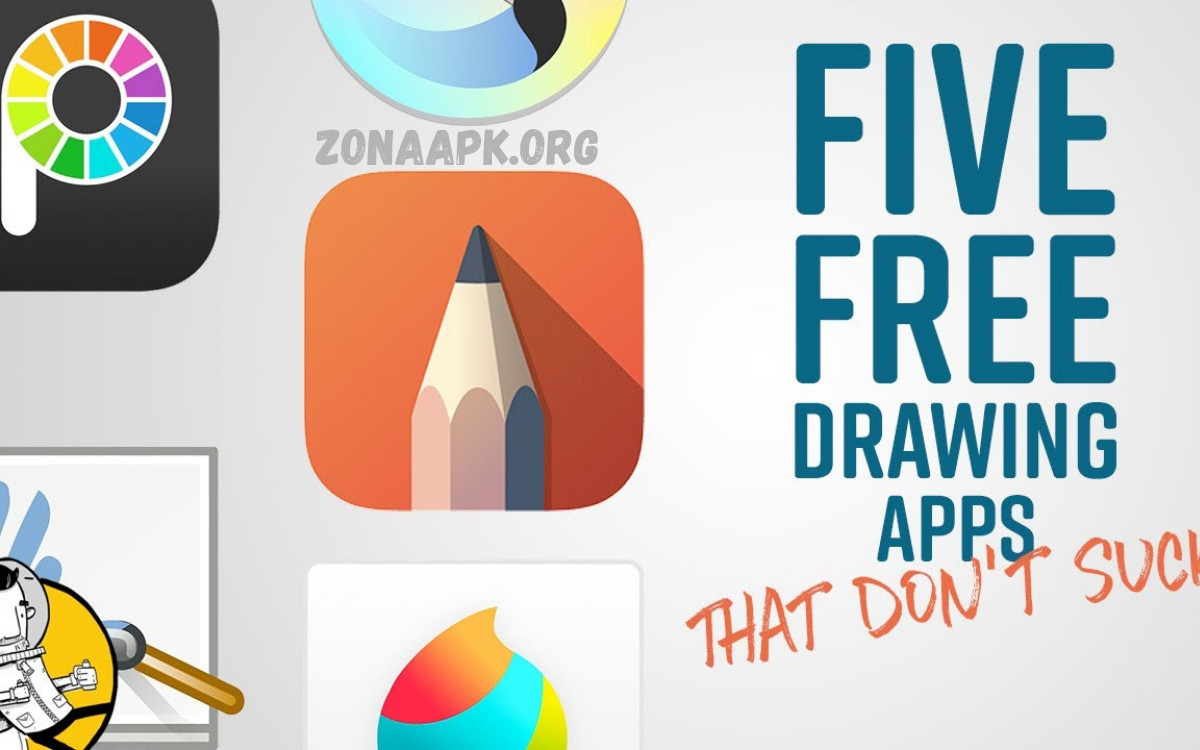
Painting apps have transformed the way people create, learn, and engage with visual art in the digital age. Once limited to traditional tools such as brushes, canvases, and paints, artists now have access to powerful creative platforms directly on their smartphones, tablets, and computers.
One of the greatest strengths of painting apps is their accessibility. They remove many barriers associated with traditional art, such as the cost of materials or the need for dedicated studio space. Users can experiment freely, practice consistently, and refine their skills anytime and anywhere.
Core Features Of Painting Apps
Professional painting apps share essential features enabling creative control and workflow efficiency.
Brush Engines
Brush engines simulate natural media behavior. Users access customizable brushes with control over size, opacity, flow, texture, and dynamics. Brush libraries include oil, acrylic, watercolor, charcoal, ink, airbrush, and experimental effects.
Layer Systems
Layer-based editing allows separating elements and enabling non-destructive workflows. Artists modify individual components without affecting the entire composition. Layer modes enable blending effects, lighting adjustments, and texture overlays.
Color Management
Color tools include palettes, color wheels, gradients, harmony guides, and sampling tools. Digital color precision supports RGB and CMYK workflows for print and screen. Advanced apps provide color profile management.
Canvas Control
Canvas resizing, rotation, and zooming enhance precision. High-resolution canvases support professional print output. Infinite canvas options support concept art, ideation, and storyboarding.
Undo History
Unlimited undo history removes the fear of mistakes. Artists experiment freely, refine techniques, and accelerate learning.
File Export Options
Painting apps support multiple file formats, including PNG, JPEG, PSD, SVG, and TIFF. Export options accommodate printing, web publishing, and animation pipelines.
Benefits Of Painting Apps
Painting apps deliver significant advantages over traditional painting methods.
Accessibility
Digital painting requires minimal physical materials. Devices replace canvases, paints, and brushes. Beginners enter art creation without high upfront cost. Students practice consistently regardless of location.
Portability
Artists create anywhere: studios, classrooms, travel environments. Lightweight devices enable spontaneous creativity.
Efficiency
Digital tools accelerate workflows. Time-consuming setup and cleanup are eliminated. Revisions occur instantly. Professional deadlines become manageable.
Learning Enhancement
Painting apps support learning through tutorials, guides, and undo features. Beginners build confidence through experimentation. Skill progression accelerates.
Creative Freedom
Unlimited colors, brushes, and textures expand creative range. Artists blend traditional techniques with digital innovation.
Environmental Impact
Digital painting reduces material waste. No solvents, paper consumption, or chemical disposal. Sustainable creative practice emerges.
Professional Use Cases
Painting apps serve diverse professional domains.
Fine Art
Professional artists produce gallery-quality digital paintings. High-resolution output supports prints, exhibitions, and commissions.
Illustration
Illustrators create book covers, editorial artwork, and concept illustrations. Layer-based workflows support revisions and client feedback.
Concept Art
Entertainment industries rely on painting apps for character design, environment art, and visual development. Rapid ideation supports creative pipelines.
Graphic Design
Painting apps complement vector tools, enabling textured designs, hand-painted effects, and branding assets.
Education
Educators integrate painting apps into art curricula. Students learn fundamentals without material constraints. Remote education becomes feasible.
Therapy And Wellness
Art therapy programs adopt painting apps for emotional expression, accessibility, and privacy.
Read Also: How to Get Free Diamonds in Free Fire Safely
Technical Foundations
Painting apps rely on advanced computational techniques.
Rendering Algorithms
Real-time rendering engines simulate paint behavior, light interaction, and surface texture. GPU acceleration ensures smooth performance.
Input Recognition
Stylus technology captures pressure, tilt, and speed. Algorithms translate input into expressive strokes.
Memory Optimization
High-resolution canvases demand efficient memory management. Painting apps optimize caching and layer rendering.
Cloud Integration
Many painting apps support cloud storage, cross-device synchronization, and collaborative workflows.
Choosing Painting Apps
Selecting painting apps requires evaluating specific needs.
Skill Level
Beginners benefit from intuitive interfaces and guided tools. Professionals require customization and advanced controls.
Device Compatibility
Hardware capabilities influence performance. Stylus support enhances the experience.
Workflow Requirements
Illustration, fine art, and design demand different features. File compatibility matters.
Budget Considerations
Painting apps range from free to subscription-based. Cost-benefit analysis ensures value.
Community Support
Active communities provide tutorials, brushes, inspiration, and troubleshooting.
Challenges And Limitations
Despite advantages, painting apps present challenges.
Learning Curve
Advanced features require time investment. Interface complexity may overwhelm beginners.
Hardware Dependency
Performance depends on device specifications. Limited hardware restricts canvas size and brush complexity.
Digital Fatigue
Extended screen use may cause eye strain. Ergonomic considerations matter.
Authentic Texture Limitations
Although simulation improves, some artists prefer the tactile feedback of physical media.
Future Of Painting Apps
Painting apps continue evolving alongside technology.
Artificial Intelligence
AI-assisted tools enhance sketching, coloring, and composition. Predictive strokes accelerate workflows.
Augmented Reality
AR integration allows painting within physical spaces. Artists visualize artwork in real environments.
Collaboration Features
Real-time collaborative painting supports remote teamwork and education.
Cross-Platform Ecosystems
Seamless transitions across devices improve flexibility.
Enhanced Realism
Physics-based simulation improves paint behavior authenticity.
Professional Best Practices
Artists maximize the potential of painting apps through disciplined workflows.
- Customize brush libraries
- Organize layers logically
- Use color management correctly
- Save iterative versions
- Combine traditional studies with digital execution
Professional growth depends on balancing technical mastery with artistic fundamentals.
Frequently Asked Questions
Do painting apps require internet access?
Most painting apps work offline. Internet access may be needed for cloud storage, updates, tutorials, or sharing artwork.
Can artwork from painting apps be printed?
Yes. Painting apps support high-resolution output and multiple file formats suitable for professional printing.
Are free painting apps good enough for professionals?
Some free painting apps offer powerful features. However, professionals often prefer paid versions for advanced tools, customization, and workflow efficiency.
What skills are needed to use painting apps effectively?
Basic drawing skills help, but painting apps also support learning fundamentals such as color theory, composition, and brush control.
What is the future of painting apps?
Painting apps will continue evolving through artificial intelligence, improved realism, collaboration tools, and deeper integration with emerging technologies.
Conclusion
Painting apps redefine modern artistic practice. These digital tools empower creators across skill levels, industries, and disciplines. By combining traditional painting principles with advanced technology, painting apps expand creative possibilities, accessibility, and efficiency. Artists willing to adapt gain powerful platforms for expression, innovation, and professional development.
