

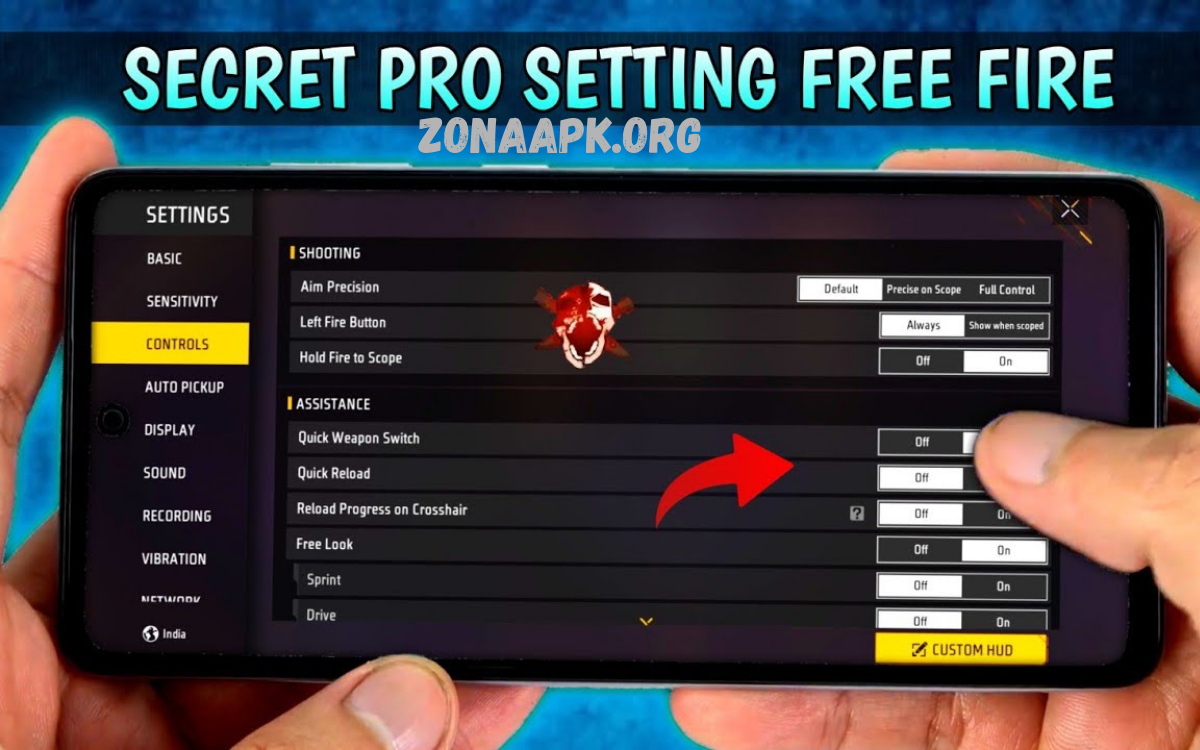
Headshot settings in Free Fire play a crucial role in improving accuracy, reaction time, and overall combat performance. For players aiming to consistently land headshots, optimizing sensitivity and control configurations is essential. These settings directly affect how smoothly your aim tracks enemies and how quickly you can adjust during intense fights.
The key focus is usually on sensitivity options such as General, Red Dot, 2x Scope, 4x Scope, and AWM Scope. Higher sensitivity can make it easier to drag the aim upward for headshots, but if it’s too high, it may become difficult to control. On the other hand, lower sensitivity offers better precision but may slow down reactions.
Core Sensitivity Settings Breakdown
Headshot settings Free Fire include multiple sensitivity parameters. Each parameter affects aiming behavior differently.
General Sensitivity
Controls camera movement speed without scope. High value supports fast reaction during close combat. Moderate level ensures stability.
Recommended Range: 90 – 100
Red Dot Sensitivity
Affects short-range aiming precision. Critical for SMG and AR combat.
Recommended Range: 85 – 95
2x Scope Sensitivity
Supports mid-range engagements. Balanced setting ensures accuracy and smooth tracking.
Recommended Range: 75 – 85
4x Scope Sensitivity
Used for long-range fights. Lower value improves control and reduces shaking.
Recommended Range: 65 – 75
AWM Scope Sensitivity
Sniper aiming requires maximum precision. Lower sensitivity ensures stable crosshair.
Recommended Range: 50 – 60
Free Look Sensitivity
Controls camera movement while observing surroundings.
Recommended Range: 60 – 75
Ideal Headshot Settings Free Fire Configuration
Professional-level headshot settings Free Fire configuration focuses on controlled upward drag, stable tracking, and accurate flick movement.
Example Balanced Setup:
- General: 95
- Red Dot: 90
- 2x Scope: 80
- 4x Scope: 70
- AWM Scope: 55
- Free Look: 70
This setup supports aggressive gameplay while maintaining precision.
DPI Optimization for Headshot Accuracy
DPI (dots per inch) directly impacts touch sensitivity. Higher DPI increases responsiveness, lower DPI enhances control.
Recommended DPI Settings
- Low-end devices: 400 – 600 DPI
- Mid-range devices: 600 – 800 DPI
- High-end devices: 800 – 1200 DPI
Higher DPI combined with balanced sensitivity improves drag headshot technique. However, excessive DPI causes instability and inconsistent aim.
HUD Customization for Headshot Settings Free Fire
HUD layout significantly affects shooting accuracy and control efficiency.
Fire Button Size
Larger button improves drag control and reduces misclick risk.
Recommended Size: 60 – 80
Button Placement
Comfortable thumb reach ensures faster reaction and better aim stability.
Claw Layout Advantage
Four-finger claw setup enhances:
- Movement control
- Shooting accuracy
- Reaction speed
Advanced Headshot Techniques
Headshot settings Free Fire require proper technique implementation.
Drag Shot Technique
Finger movement drags crosshair upward during firing, targeting head level.
Flick Shot Technique
Quick movement snaps crosshair directly onto enemy head.
Pre-Aim Strategy
Crosshair positioned at head level before engagement reduces reaction time.
Burst Firing Control
Short bursts improve accuracy and reduce recoil spread.
Device Performance Optimization
Headshot settings Free Fire effectiveness depends on device performance.
Graphics Settings
Lower graphics improve frame stability.
- Graphics: Smooth
- High FPS: Enabled
Frame Rate Importance
Stable frame rate ensures smooth aiming and consistent sensitivity response.
Touch Response Optimization
Disable background applications to reduce lag and improve responsiveness.
Common Mistakes in Headshot Settings Free Fire
Excessive Sensitivity
Causes unstable aim and inaccurate shots.
Very Low Sensitivity
Slows reaction time and limits tracking ability.
Constant Setting Changes
Prevents muscle memory development.
Ignoring Practice
Settings alone do not guarantee improvement without consistent training.
Training Methods for Better Headshots
Training Ground Practice
Daily aim training improves control and consistency.
Custom Room Drills
Simulate real combat situations.
Target Tracking Practice
Focus on moving targets for improved accuracy.
Weapon Familiarity
Different weapons require different recoil control techniques.
Weapon Selection for Headshots
Certain weapons provide higher headshot efficiency.
Assault Rifles
Balanced recoil and accuracy.
SMGs
High fire rate supports close-range headshots.
Sniper Rifles
One-shot headshot capability.
Sensitivity Adjustment Strategy
Gradual adjustment ensures optimal performance.
- Increase sensitivity step by step
- Test in training mode
- Evaluate accuracy consistency
Avoid sudden drastic changes.
Role of Muscle Memory
Consistent headshot settings Free Fire configuration builds muscle memory. Repeated practice trains hand movement, improves reaction speed, enhances aiming precision.
Switching settings frequently disrupts muscle memory development and reduces performance.
Competitive Advantage Through Optimization
Professional players prioritize:
- Stable sensitivity
- Consistent practice
- Efficient control layout
Optimized headshot settings Free Fire configuration provides measurable advantage in ranked matches, tournaments, and squad gameplay.
What are headshot settings Free Fire?
Headshot settings Free Fire refer to sensitivity, control layout, and configuration adjustments that improve aiming accuracy, making it easier to land shots on enemy head positions.
Which sensitivity works best for headshot settings Free Fire?
Balanced sensitivity works best. High general and red dot sensitivity support quick drag shots, while lower scope sensitivity improves long-range accuracy.
Does high sensitivity guarantee more headshots?
No. High sensitivity increases speed but may reduce control. Effective headshot settings Free Fire require balance between speed and precision.
What DPI is ideal for headshot settings Free Fire?
DPI between 600 and 800 suits most devices. Higher DPI improves responsiveness, but excessive values reduce stability.
How important is HUD customization for headshots?
HUD layout plays a major role. Proper fire button size and placement improve control, reaction speed, and drag accuracy.
Which technique improves headshots the most?
Drag shot technique remains most effective. Controlled upward movement during firing helps align crosshair with head level.
Can low-end devices support good headshot settings Free Fire?
Yes. Optimized sensitivity, reduced graphics settings, and stable frame rate allow consistent headshot performance even on low-end devices.
How often should sensitivity settings change?
Avoid frequent changes. Stable headshot settings Free Fire configuration helps build muscle memory and improves consistency.
Conclusion
Headshot settings Free Fire represent critical factor influencing gameplay success. Proper sensitivity calibration, HUD optimization, device performance tuning, and consistent practice create strong foundation for accurate aiming and high headshot rate. Balanced configuration ensures both speed and control, enabling efficient performance across all combat scenarios.
