

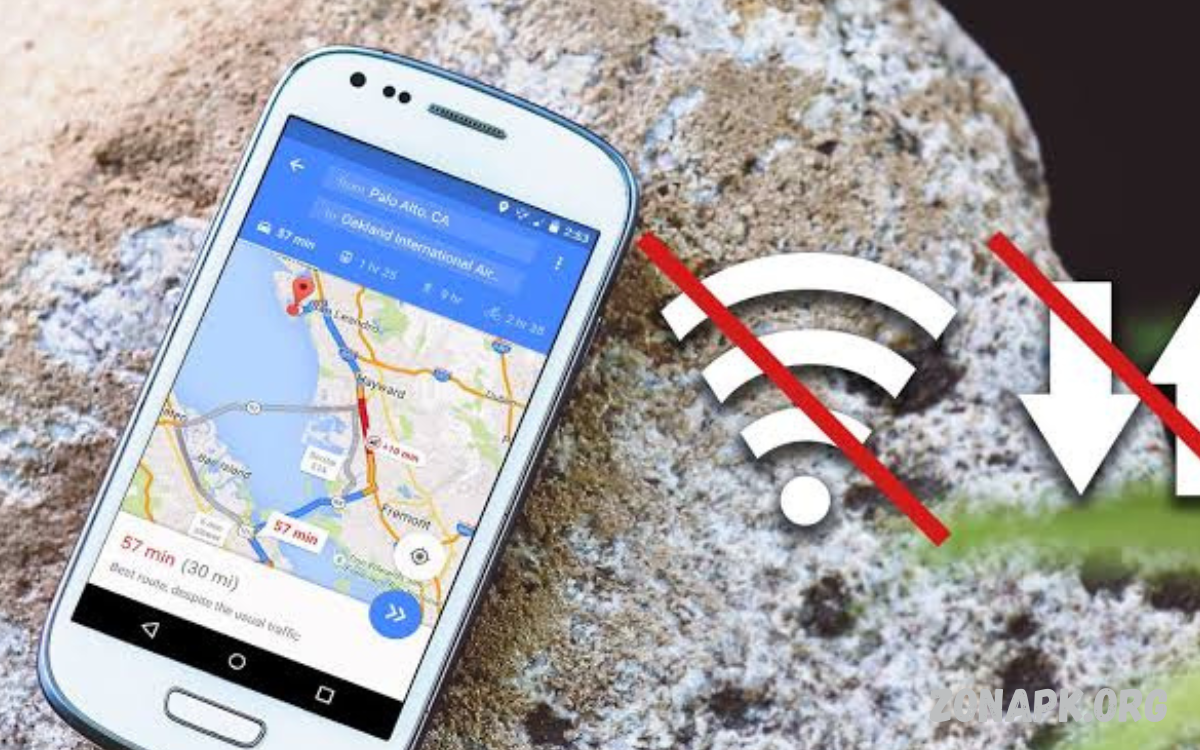
Android smartphones have become an essential part of everyday life, but many apps depend on a stable internet connection to function properly. Fortunately, there are plenty of best offline apps for Android that continue to deliver outstanding performance even without Wi-Fi or mobile data.
From powerful note-taking tools and document editors to engaging games, music players, and educational resources, offline Android apps offer convenience without compromising functionality. These applications are designed to provide seamless access to important features, allowing users to complete tasks, enjoy media, and boost efficiency regardless of internet availability.
Why Offline Android Apps Matter?
Offline apps continue functioning without relying on cloud services or internet access. They are especially useful for:
- Traveling by airplane or train
- Remote work in areas with weak signals
- Saving mobile data
- Improving privacy
- Faster performance
- Emergency situations
- Studying without distractions
Offline functionality ensures that important tasks never stop due to connectivity issues.
Best Offline Productivity Apps for Android
1. Microsoft Word
Microsoft Word allows users to create and edit documents offline after downloading files.
Features
- Document editing
- Professional formatting
- PDF support
- Offline saving
- Cloud synchronization when online
Perfect for students, professionals, and business users.
2. Google Keep
Google Keep remains one of the most useful note-taking applications.
Benefits
- Offline note creation
- Voice notes
- Checklists
- Image notes
- Automatic sync later
The simple interface makes organizing ideas incredibly easy.
3. Notion (Offline Support)
Although Notion depends heavily on cloud storage, recently opened pages remain accessible offline.
Ideal for:
- Project management
- Personal journals
- Knowledge bases
- Study notes
- Task organization
4. Evernote
Evernote Premium users can access notebooks offline.
Useful for:
- Meeting notes
- Daily planning
- Research
- Document storage
- Business organization
5. WPS Office
WPS Office is one of Android’s best office suites.
Supports:
- Word documents
- Excel spreadsheets
- PowerPoint presentations
- PDF editing
- Offline file management
Its lightweight design makes it suitable for most Android devices.
Best Offline Entertainment Apps
VLC Media Player
VLC is among the best offline video players.
Features include:
- Supports nearly every video format
- Subtitle support
- Audio equalizer
- Background playback
- No advertisements
No internet is required once media is downloaded.
Spotify Offline Mode
Spotify Premium users can download songs and playlists for offline listening.
Advantages include:
- High-quality music
- Podcasts
- Playlist downloads
- Battery-efficient playback
Travelers appreciate uninterrupted music during flights.
YouTube Premium
With YouTube Premium, videos can be downloaded for offline viewing.
Benefits:
- Ad-free playback
- Offline downloads
- Background play
- High-quality video
Perfect for educational content and entertainment.
Audible
Audible enables users to download audiobooks.
Popular categories include:
- Business
- Fiction
- Self-help
- Education
- History
Listening offline helps maximize productivity during travel.
Best Offline Reading Apps
Amazon Kindle
Kindle allows downloaded books to remain accessible without an internet connection.
Features:
- Adjustable fonts
- Night mode
- Highlights
- Bookmarks
- Dictionary support
Readers can enjoy thousands of books anywhere.
Moon+ Reader
Moon+ Reader supports multiple ebook formats.
Supported formats:
- EPUB
- MOBI
- TXT
- HTML
Its customization options make reading comfortable for long periods.
ReadEra
ReadEra requires no account registration.
Advantages include:
- Offline reading
- Multiple file formats
- No advertisements
- Lightweight interface
- Fast performance
Ideal for students and book lovers.
Read Also: Roblox Racing Games: A Complete Professional Guide
Best Offline Navigation Apps
Google Maps Offline Maps
Google Maps allows users to download city maps before traveling.
Offline capabilities include:
- Navigation
- Nearby locations
- Roads
- Street names
- Saved destinations
Download maps in advance to avoid navigation issues.
MAPS.ME
MAPS.ME specializes in offline travel.
Features:
- Walking routes
- Hiking trails
- Restaurants
- Hotels
- Tourist attractions
Travelers worldwide rely on its offline functionality.
Best Offline Photo Editing Apps
Snapseed
Snapseed remains one of Android’s most powerful free editors.
Editing tools include:
- HDR
- Healing
- Selective editing
- Crop
- Curves
- Filters
Most editing features work without the internet.
Adobe Lightroom Mobile
Downloaded photos can be edited offline.
Professional tools include:
- Color grading
- Exposure
- Contrast
- Presets
- RAW editing
Synchronization occurs automatically after reconnecting.
Best Offline Android Games
Alto’s Odyssey
A visually beautiful endless runner.
Features:
- Relaxing gameplay
- Stunning graphics
- Smooth controls
- No internet required
Perfect for casual gaming.
Stardew Valley
A farming simulation game offering hundreds of hours of gameplay.
Activities include:
- Farming
- Fishing
- Mining
- Relationships
- Crafting
Entirely playable offline.
Minecraft
Minecraft supports offline worlds.
Players can:
- Build structures
- Explore caves
- Craft tools
- Survive adventures
Ideal for creative minds.
Monument Valley
A puzzle game famous for artistic design.
Highlights:
- Beautiful visuals
- Relaxing music
- Unique puzzles
- Offline gameplay
Suitable for all ages.
Best Offline Learning Apps
Khan Academy
Many educational lessons can be downloaded.
Subjects include:
- Mathematics
- Science
- Economics
- History
- Programming
Students can continue learning anywhere.
Duolingo
Lessons can be downloaded with Premium.
Supports dozens of languages including:
- Spanish
- French
- German
- Japanese
- Korean
Language learning becomes convenient while traveling.
Best Offline File Management Apps
Files by Google
Files by Google helps users manage storage without internet.
Functions include:
- Move files
- Delete duplicates
- Clean storage
- Browse folders
- Share files
Its clean interface improves file organization.
Solid Explorer
A premium file manager offering advanced offline features.
Includes:
- ZIP management
- Cloud integration
- File encryption
- Dual-pane browsing
- Network support
Ideal for power users.
Tips for Using Offline Android Apps
To maximize offline performance:
- Download content before traveling.
- Keep apps updated while connected.
- Enable offline mode when available.
- Store files on an SD card if supported.
- Back up important documents regularly.
- Free up storage for downloaded content.
- Test offline functionality before leaving internet coverage.
Preparation ensures uninterrupted access.
Advantages of Offline Apps
Offline Android applications provide several benefits:
Save Mobile Data
Downloaded content reduces internet consumption.
Faster Performance
Local files load more quickly than cloud-based content.
Better Privacy
Offline processing minimizes unnecessary data sharing.
Reliable Access
Work continues even during internet outages.
Longer Battery Life
Offline apps often consume less power than constantly connected applications.
How to Choose the Best Offline Android Apps
Before downloading, consider:
- Storage requirements
- Offline capabilities
- User ratings
- Regular updates
- Security
- Ease of use
- Compatibility with your Android version
Choosing trusted developers improves reliability and data security.
Common Mistakes to Avoid
Many users limit the usefulness of offline apps by making avoidable mistakes:
- Forgetting to download files before traveling.
- Ignoring available updates.
- Filling device storage completely.
- Relying on apps without true offline support.
- Disabling local storage permissions.
Proper preparation enhances the offline experience.
The Future of Offline Android Apps
Developers continue improving offline functionality through advanced technologies such as artificial intelligence, local processing, and smarter synchronization. Future offline apps will likely offer enhanced editing tools, AI-powered assistants, better file management, and seamless synchronization once internet access is restored. As mobile devices become more powerful, users can expect desktop-level performance without relying on a constant internet connection.
Frequently Asked Questions
Which offline app is best for editing documents?
Microsoft Word and WPS Office are among the best offline document editing apps for Android.
Are offline Android apps safe?
Yes, provided they are downloaded from trusted sources like the Google Play Store and updated regularly.
Can I listen to music offline on Android?
Yes. Apps such as Spotify Premium, YouTube Music Premium, and VLC Media Player support offline music playback.
Which offline r save mobile data?
Yes. Since they function without continuous internet access, they significantly reduce mobile data usage.
Can I edit photos offline?
Absolutely. Snapseed and Adobe Lightroom Mobile offer powerful offline photo editing features.
What is the best offline game for Android?
Popular offline games include Alto’s Odyssey, Stardew Valley, Minecraft, and Monument Valley.
Why should I use offline Android apps?
Offline apps improve reliability, save data, enhance privacy, boost productivity, and provide uninterrupted access to essential tools and entertainment.
Conclusion
The Best Offline Apps for Android: Top Picks for Productivity and Entertainment demonstrate that a reliable internet connection is no longer essential to get work done or enjoy digital content. From productivity tools like Microsoft Word, Google Keep, and WPS Office to entertainment apps such as VLC Media Player, Spotify, Kindle, and Snapseed, Android users have access to an impressive selection of offline applications.
