

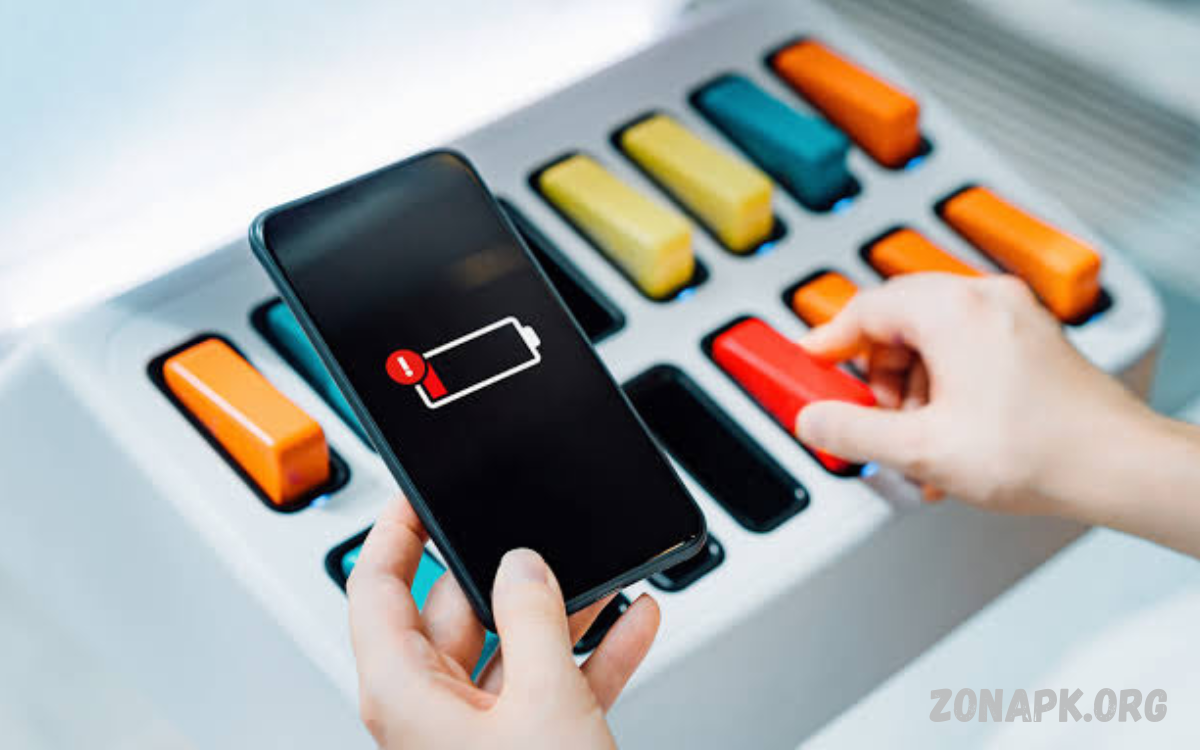
Smartphones have become an essential part of daily life, but battery drain remains one of the biggest concerns for Android users. Heavy applications, background processes, high screen brightness, and constant connectivity can quickly reduce battery life. Using the right battery optimization tools can help users manage power consumption and improve overall device performance.
The Best Battery Saver Apps for Android help monitor battery usage, control unnecessary activities, and extend smartphone runtime. These apps provide useful features such as power management, battery health monitoring, app control, and charging optimization to keep Android devices running efficiently.
Why Battery Saver Apps Are Important for Android Users?
Battery saver apps play an important role in maintaining smartphone efficiency by identifying activities that consume excessive power. Many applications continue running in the background even when users are not actively using them, leading to faster battery depletion.
With advanced battery management features, these apps help reduce unnecessary energy consumption. They analyze device behavior, optimize settings, and provide recommendations that allow users to achieve longer battery life without changing their daily habits.
How Battery Saver Apps Improve Battery Performance
Battery saver applications improve performance by managing background processes and reducing unnecessary system activity. They detect apps that consume excessive resources and help users limit their impact on battery usage.
Many battery optimization apps also manage screen brightness, network connections, and system settings. By adjusting these features intelligently, they reduce power waste and allow smartphones to operate for longer periods.
Features to Look for in the Best Battery Saver Apps
A reliable battery saver app should include multiple optimization features designed to improve Android battery efficiency. Background app management, battery monitoring, and power-saving modes are some of the most valuable functions.
Users should also look for apps with simple interfaces and accurate battery reports. An effective application should provide useful information without consuming excessive system resources itself.
AccuBattery for Monitoring Battery Health
AccuBattery is a popular battery management application designed to monitor charging habits and battery health. It provides detailed information about battery capacity, charging speed, and power usage.
The app helps users understand how their charging behavior affects battery lifespan. It tracks battery wear and provides recommendations to maintain healthier charging practices.
Greenify for Reducing Background Battery Usage
Greenify is known for helping users control background applications that consume battery power. It places selected apps into a sleep mode when they are not being actively used.
By reducing unnecessary background activity, Greenify can help improve standby time and reduce battery drain. It is especially useful for older Android devices with limited battery capacity.
Battery Guru for Advanced Battery Optimization
Battery Guru provides advanced battery monitoring features that help users analyze power consumption. It offers information about battery temperature, charging cycles, and application usage.
The app helps users create healthier charging habits by providing alerts and recommendations. These features can support longer battery lifespan and improved device efficiency.
Kaspersky Battery Life for Smart Power Management
Kaspersky offers battery management tools that help users identify applications consuming excessive power. Its battery-saving features focus on improving efficiency while maintaining device security.
The application analyzes running apps and provides suggestions for reducing battery consumption. This helps users quickly identify problems affecting smartphone battery performance.
Avast Battery Saver for Android Optimization
Avast provides battery optimization solutions designed to help Android users manage power consumption. It includes features that adjust settings according to user preferences.
The app can help reduce battery usage by controlling network connections, screen settings, and background activities. These automatic adjustments improve overall smartphone efficiency.
Tips to Improve Android Battery Life Without Apps
Although battery saver apps can help improve performance, users can also follow simple practices to extend battery life. Reducing screen brightness, disabling unused connections, and closing unnecessary applications can significantly reduce battery consumption.
Keeping Android software updated also improves efficiency because manufacturers regularly release improvements for battery management. Removing unused apps can prevent unnecessary background activity.
Benefits of Using Battery Saver Apps on Android Devices
The biggest advantage of battery saver apps is improved battery efficiency. These applications help users identify power-draining activities and provide solutions for reducing unnecessary consumption.
Battery saver apps can also improve device performance by reducing background workload. When fewer applications consume system resources, smartphones often operate more smoothly.
Read Also: Free Fire Diamond Event Today: Latest Rewards, Bonus Offers & Event Guide
How to Choose the Right Battery Saver App
Choosing the right battery saver app depends on individual requirements. Users who want detailed information should select apps with advanced monitoring features, while those seeking simplicity may prefer automatic optimization tools.
A good battery saver application should not slow down the device or display excessive advertisements. Reading user reviews and checking app permissions can help users make better decisions.
Common Mistakes That Reduce Android Battery Life
Many users unknowingly follow habits that damage battery performance. Keeping unnecessary apps active, using maximum brightness, and allowing constant background synchronization can increase battery drain.
Installing too many optimization applications can also create problems. Multiple battery saver apps running together may consume additional resources instead of improving performance.
Future of Android Battery Optimization Technology
Battery optimization technology continues to improve as Android systems become more advanced. Artificial intelligence and machine learning features are helping devices understand user behavior and manage power automatically.
Future battery saver applications are expected to provide smarter predictions, improved charging management, and more accurate energy monitoring. These improvements will help users achieve longer battery life.
Frequently Asked Questions
What are the best battery saver apps for Android?
The best battery saver apps include AccuBattery, Greenify, Battery Guru, and other trusted optimization tools. The ideal choice depends on whether users need monitoring, automation, or background management features.
Do battery saver apps really improve Android battery life?
Yes, battery saver apps can improve battery performance by reducing unnecessary background activity and helping users manage power-consuming features more effectively.
Can battery saver apps damage my Android phone?
Reliable battery saver apps do not damage phones. However, users should avoid unknown applications that request unnecessary permissions or display suspicious behavior.
Which battery saver app is best for battery health monitoring?
Apps like AccuBattery and Battery Guru are useful for monitoring battery health because they provide information about charging cycles, capacity, and usage patterns.
Do battery saver apps work on all Android devices?
Most battery saver apps work on many Android devices, but available features may vary depending on the Android version and manufacturer settings.
Should I use multiple battery saver apps together?
Using multiple battery saver apps is usually unnecessary. One trusted application is often enough because multiple tools may conflict and consume additional resources.
How can I extend my Android battery life naturally?
Users can extend battery life by lowering brightness, managing background apps, disabling unused features, and maintaining proper charging habits.
Are free battery saver apps effective?
Many free battery saver apps provide useful features, but premium versions may offer additional tools such as advanced monitoring and customization options.
How often should I optimize my Android battery?
Battery optimization can be performed regularly, but modern Android systems automatically manage many background processes. Manual optimization is mainly useful when experiencing battery problems.
Can battery saver apps increase charging speed?
Battery saver apps generally do not increase charging speed. They mainly reduce power consumption and help improve battery efficiency during usage.
Conclusion
The Best Battery Saver Apps for Android to Improve Battery Performance provide valuable solutions for users who want longer battery life and better smartphone efficiency. These applications help monitor usage, control background activities, and optimize device settings.
Choosing a reliable battery saver app combined with healthy smartphone habits can significantly improve battery performance.
