Free Fire has established itself as one of the most popular battle royale games worldwide, enjoyed by millions of players for its fast-paced matches, diverse characters, and accessible gameplay. Since its release, Garena’s flagship title has consistently remained in the spotlight, especially across Asia, the Middle East, South America, and parts of Europe.
While most players download Free Fire directly through the Google Play Store or the App Store, there are times when gamers seek Free Fire OBB file downloads. This is particularly common when facing issues such as limited internet data, update errors, or compatibility problems with certain devices.
What is an OBB File?
To understand the idea of downloading Free Fire’s OBB file, you first need to know what an OBB file actually is.
- OBB Definition: OBB stands for “Opaque Binary Blob.” It’s a type of file used by Android applications to store additional game or app data that is too large to be included in the base APK file.
- Purpose: For Free Fire, the OBB file contains game resources like maps, graphics, sounds, skins, and animations. Without this file, the APK alone will not run properly because it lacks essential data.
- Location: On Android devices, OBB files are typically stored in the “Android/OBB” folder.
Why Do Players Search for Free Fire OBB File Downloads?
There are several reasons why players might want to download Free Fire’s OBB file manually instead of relying only on the Play Store.
Slow Internet or Limited Data
Many players prefer downloading APK + OBB files separately, especially when they have access to Wi-Fi or can transfer files from friends.
Avoiding Play Store Issues
Sometimes, updates through the Google Play Store fail due to region restrictions, cache issues, or device compatibility problems. Manually installing the OBB file helps bypass these issues.
Reinstalling After Deletion
If a player accidentally deletes Free Fire or clears data, reinstalling the APK and OBB files can be faster than re-downloading gigabytes of data from scratch.
Using Older Versions
Some gamers prefer older versions of Free Fire for nostalgia or to experience smoother performance on lower-end devices. For that, they need the matching APK and OBB package.
Understanding Free Fire APK + OBB File Structure
When you manually download Free Fire outside of the Play Store, you usually get two files:
- APK File – The installation file that sets up the app on your phone.
- OBB File – The additional data file that allows the game to function with full features.
Both files must be compatible with the same version of Free Fire. Installing mismatched versions (for example, APK from one version and OBB from another) often results in crashes or login errors.
How to Install Free Fire OBB File on Android (Step-by-Step Guide)

Download
Installing the Free Fire OBB file isn’t complicated, but it requires following the correct steps.
Step 1: Prepare Your Device
- Ensure your phone has at least 2 GB of free storage for a smooth installation.
- Go to Settings > Security and enable “Install from Unknown Sources.”
Step 2: Install the APK
- Locate the Free Fire APK file on your device.
- Open it and follow the on-screen instructions to complete the installation.
Step 3: Copy the OBB File
- Using a file manager, navigate to the OBB file you downloaded.
- Copy or move the file to:
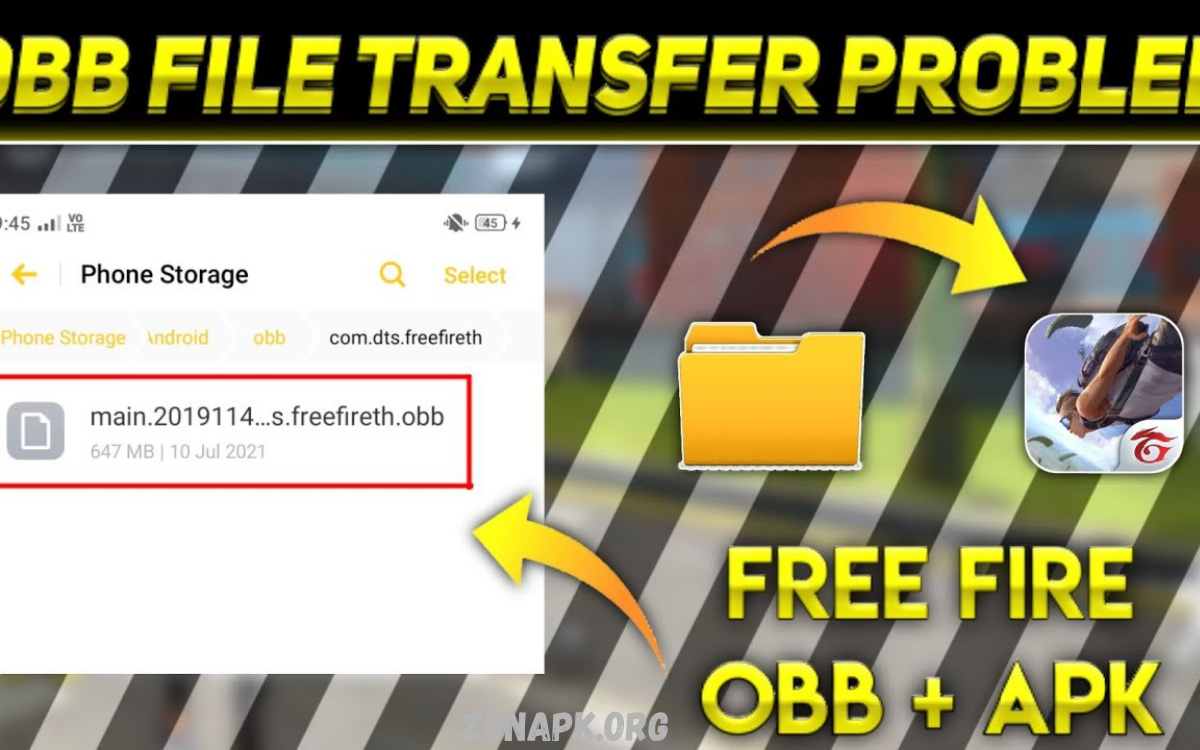
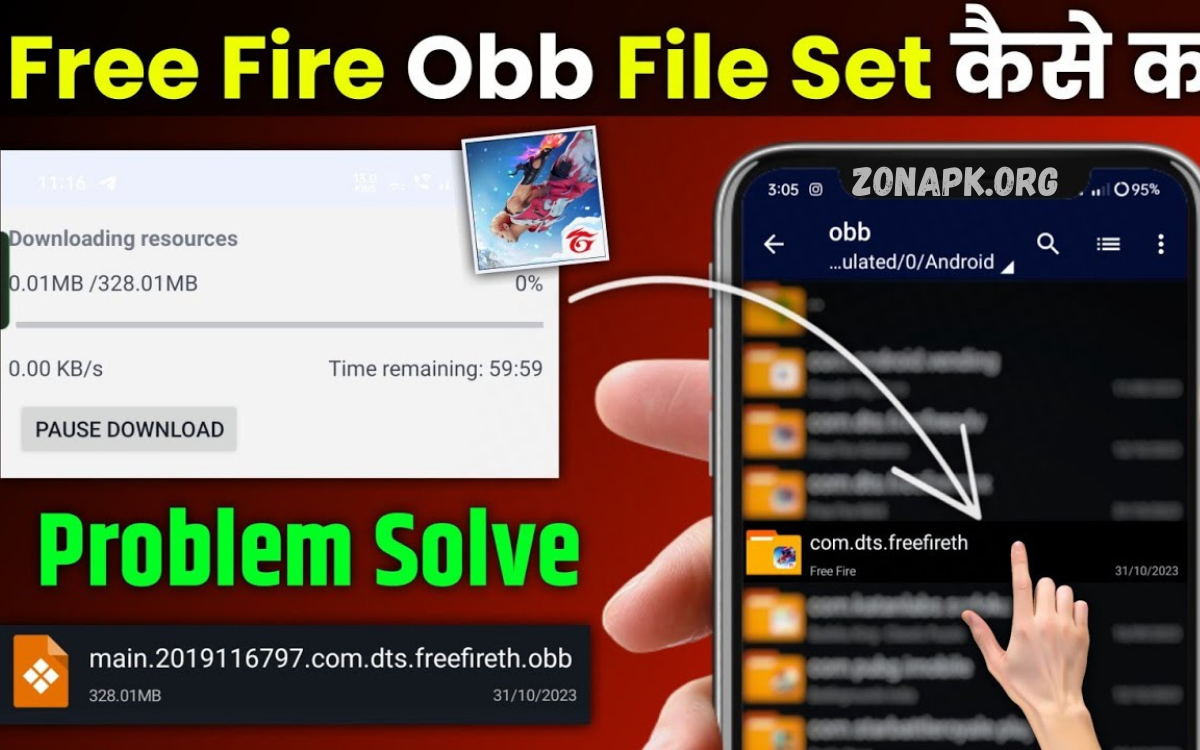
Internal Storage > Android > OBB > com.dts.freefireth - If the folder doesn’t exist, create it manually.
Step 4: Launch the Game
- Once the OBB file is in the right folder, open Free Fire.
- The game should load without additional downloads.
Common Issues with Free Fire OBB File Installation
Black Screen or Crash
- Often caused by placing the OBB file in the wrong folder. Double-check the path.
Version Mismatch
- If your APK and OBB versions are not identical, the game won’t launch. Always download files from the same version of the software.
Insufficient Storage
- Free Fire requires additional cache data. Ensure your device has sufficient space beyond the APK and OBB file sizes.
Corrupted Files
- Interrupted downloads can corrupt OBB files. Re-download the game from a reliable source if it continues to crash.
Read Also: Grab Free Fire Rare Emotes Free Download – 100% Free & Easy to Download
Safety Concerns: Risks of Downloading Free Fire OBB Files
While downloading OBB files sounds convenient, it also carries certain risks:
- Malware and Viruses: Unofficial sites may bundle harmful code into the OBB file.
- Account Ban: Using modified or hacked OBB files (containing cheats, skins, or unlimited diamonds) can result in a permanent ban.
- Data Theft: Some malicious OBB files contain spyware that targets your device.
Tip: Only use trusted, official files to avoid risks.
Benefits of Manual Free Fire OBB File Download
Despite the risks, downloading and using OBB files has some advantages:
- Offline Transfer: Share the file with friends via Bluetooth, Wi-Fi direct, or memory cards.
- Faster Updates: Instead of re-downloading multiple gigabytes, you can manually copy files to your device.
- Device Compatibility: Some low-end devices struggle with direct Play Store downloads but work with manual APK + OBB installation.
Free Fire OBB File and Game Versions
Free Fire regularly receives updates, introducing new characters, maps, modes, and events. Each update requires downloading the latest OBB file.
Common Types of Updates:
- Major Updates: These are typically introduced every two months, bringing significant changes such as new maps or collaborations.
- Patch Updates: Smaller updates that fix bugs and balance characters.
- Event Updates: Limited-time OBB changes for seasonal events or collaborations (e.g., with football stars, anime, or music artists).
To enjoy the latest features, you need the corresponding OBB file for the latest version.
Free Fire MAX OBB File vs. Standard Free Fire OBB File
Garena offers two versions of the game:
- Free Fire (Standard) – Optimized for low-end devices.
- Free Fire MAX – Enhanced graphics and features for high-end devices.
Although both games share the same servers, their APK and OBB files differ. Downloading the wrong OBB file may prevent the game from running.
Is It Legal to Download Free Fire OBB File
Downloading official OBB files is perfectly legal if you’re simply reinstalling or updating the game. However:
- Legal: Downloading the official OBB file to fix installation issues.
- Illegal/Unsafe: Downloading hacked or modified OBB files (with cheats, unlimited resources, or bypassing security).
Always make sure the files you install are authentic and unmodified.
Best Practices for Safe Free Fire OBB File Use
- Always match APK and OBB versions.
- Keep backups of your OBB file to avoid re-downloading.
- Avoid modded OBBs that promise cheats or free diamonds.
- Regularly clear the cache to prevent crashes.
Frequently Asked Questions
What happens if I delete the OBB file?
If you delete Free Fire’s OBB file, the game won’t run. You’ll need to re-download it.
Can I play Free Fire without the OBB file?
No. The OBB file is essential for graphics, maps, and resources.
Do I need to re-download the OBB file after every update?
Yes, major updates usually require a new OBB file.
Is downloading the OBB file faster than Play Store updates?
In many cases, yes, especially if you share the file with friends.
Can I use the same OBB file on multiple devices?
Yes, as long as the devices use the same game version.
Conclusion
Free Fire’s popularity shows no signs of slowing down, and the demand for manual APK and OBB downloads continues to grow. While downloading OBB files offers convenience, especially for players with unstable internet connections, it also carries risks if obtained from untrustworthy sources.