

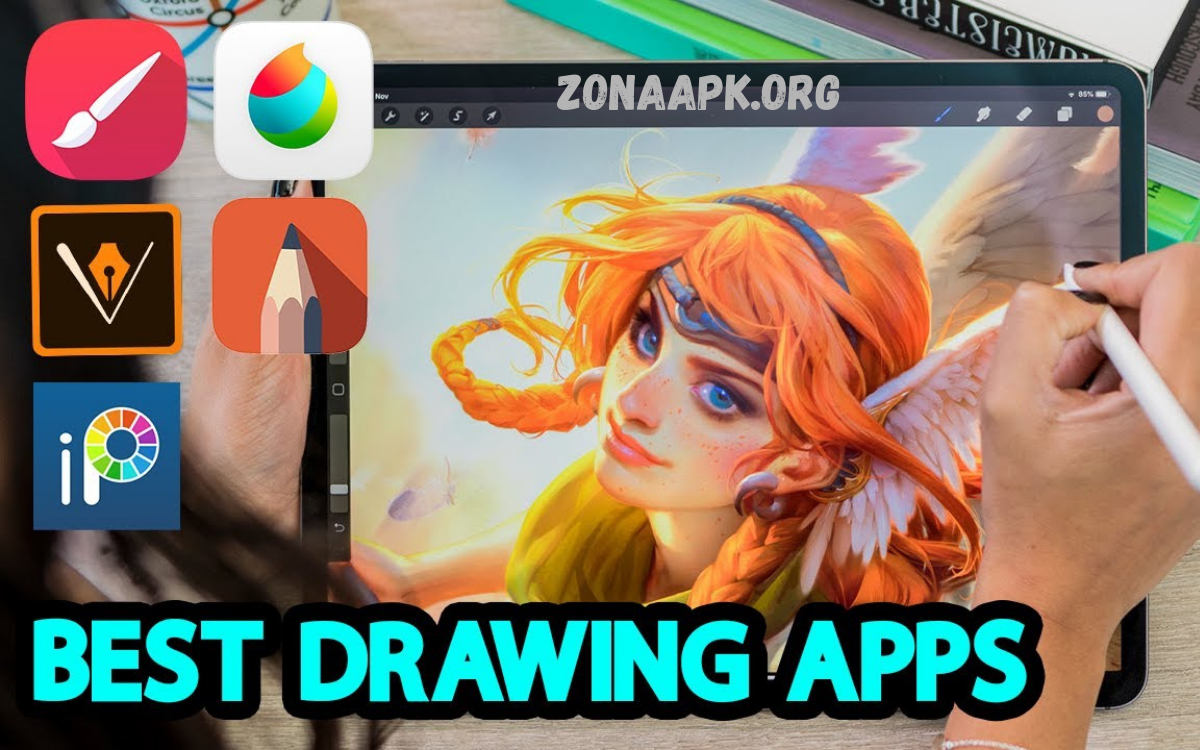
Getting started with digital art has never been easier, thanks to a wide range of free drawing apps designed specifically for beginners. Whether you’re exploring sketching as a hobby or taking your first steps toward a creative career, the right app can make a significant difference in how quickly you learn and how much you enjoy the process.
In this guide, we’ll introduce the top five free drawing apps that are perfect for newcomers. These apps are selected based on ease of use, accessibility, and the quality of tools they provide without overwhelming users. Many of them also include tutorials or community support, helping you build confidence as you develop your skills.
Importance of Choosing the Right Drawing App
Beginner artists often face steep learning curves. Complex interfaces discourage practice. Lightweight applications with intuitive controls improve engagement, reduce friction, and accelerate skill acquisition. Key evaluation factors include:
- Interface simplicity
- Brush customization
- Layer management
- Device compatibility
- Community support
- Performance stability
Free applications now rival premium software, offering professional-grade capabilities without financial investment.
Krita – Powerful Open-Source Digital Painting Tool
Krita stands among the most capable free drawing platforms available. Designed primarily for digital painting and illustration workflows, Krita provides advanced brush engines, stabilizers, and layer systems.
Key Features
- Extensive brush presets
- Custom brush engine
- Layer blending modes
- Animation support
- Stabilization tools for smooth linework
Beginner Benefits
Krita interface remains customizable, allowing simplified workspace setups. Brush presets reduce configuration complexity. Learning resources, tutorials, and community forums support beginner progression.
Limitations
Initial interface complexity may overwhelm some users. Hardware requirements are slightly higher than those of lightweight apps.
Autodesk SketchBook – Clean Interface, Natural Drawing Experience
Autodesk SketchBook delivers a minimalistic interface focused on distraction-free drawing. Ideal for beginners seeking a natural sketching experience.
Key Features
- Gesture-based interface
- Perspective guides
- Symmetry tools
- Smooth pencil, ink brushes
- Layer support
Beginner Benefits
Clean layout reduces cognitive load. Tool access remains straightforward. Brush responsiveness mimics traditional media, enhancing comfort for new users transitioning from paper.
Limitations
Limited advanced features compared to heavier software like Krita.
MediBang Paint – Lightweight Comic, Illustration Tool
MediBang Paint targets comic creators and illustrators. Cloud integration and pre-made assets simplify workflow.
Key Features
- Comic panel tools
- Screen tones
- Cloud storage
- Pre-designed brushes
- Cross-platform syncing
Beginner Benefits
Preloaded assets reduce setup effort. Comic templates assist storytelling practice. Interface remains beginner-friendly and structured logically.
Limitations
Requires an account for cloud features. Ads appear within the free version.
Ibis Paint – Mobile-Friendly Drawing App
Ibis Paint excels in mobile drawing environments. Strong feature set combined with touchscreen optimization.
Key Features
- Extensive brush library
- Stroke stabilization
- Time-lapse recording
- Layer functionality
- Custom brush creation
Beginner Benefits
Mobile accessibility allows practice anywhere. Tutorials integrated within the app assist learning. Interface-optimized touch gestures improve usability.
Limitations
Ads present a free version. Smaller screens restrict precision for detailed work.
Read Also: Best Tech Gadgets 2026 – Ultimate Guide Modern Smart Devices, AI Wearables, Home Innovation
SketchPad – Browser-Based Simplicity
SketchPad offers a browser-based drawing solution requiring no installation. Ideal for beginners who want to test digital art without committing to software.
Key Features
- Basic brushes
- Shape tools
- Text insertion
- Simple layer support
- Cross-device access via browser
Beginner Benefits
Instant access eliminates setup barriers. Interface straightforward, easy navigation. Suitable quick sketches, basic designs.
Limitations
Limited advanced features. Performance depends on the browser’s efficiency.
Comparison Overview
| App | Platform | Best For | Complexity Level |
|---|---|---|---|
| Krita | Desktop | Digital painting | Medium |
| SketchBook | Desktop, Mobile | Natural sketching | Low |
| MediBang Paint | Desktop, Mobile | Comics, illustration | Low-Medium |
| Ibis Paint | Mobile | On-the-go drawing | Low |
| SketchPad | Browser | Quick sketches, beginners | Very Low |
How Beginners Should Choose a Drawing App
Selection depends on individual goals, device preference, and learning style.
Consider Device Compatibility
Desktop users benefit from Krita’s advanced tools. Mobile users prefer the flexibility of Ibis Paint.
Evaluate Learning Curve
Absolute beginners should start with SketchBook or SketchPad. A gradual transition toward advanced tools is recommended.
Focus Features Needed
Comic creators choose MediBang Paint. Painters select Krita. Casual sketchers opt for SketchBook.
Tips for Starting a Digital Drawing Journey
- Practice consistently
- Experiment brushes, tools
- Use layers for flexibility
- Follow tutorials, guided exercises
- Avoid perfectionism in the early stages
Skill development requires repetition, experimentation, and patience.
Frequently Asked Questions
What defines the best option within the Top 5 Free Drawing Apps for Beginners?
Best option depends on skill level, device preference, and creative goals. Beginners typically benefit from a simple interface, responsive brushes, and minimal setup complexity.
Can beginners create professional artwork using free drawing apps?
Yes, many free apps provide advanced tools such as layers, blending modes, and custom brushes. Skill level determines output quality, not software price.
Which app is best for absolute beginners with zero experience?
Apps with a minimal interface, guided tools, and default presets provide a smooth entry point. Simplicity improves learning efficiency.
Do free drawing apps include layer functionality?
Most modern free drawing apps include layer systems. Layers enable non-destructive editing, improved workflow control, and flexibility.
Are mobile drawing apps effective for beginners?
Mobile apps provide accessibility, portability, and intuitive touch controls. Stylus support enhances precision and improves the drawing experience.
Is a stylus necessary for digital drawing?
Stylus not mandatory. A stylus improves accuracy, pressure sensitivity, stroke control, and overall drawing quality.
How long does it take to master beginner drawing apps?
Learning duration varies based on practice frequency, dedication, and prior experience. Consistent practice accelerates skill development.
Conclusion
Selecting the correct software significantly influences creative growth. These Top 5 Free Drawing Apps for Beginners provide excellent starting points without financial barriers. Each application serves distinct use cases, learning preferences, and device ecosystems. Beginners should prioritize ease of use and gradually explore advanced features.
