

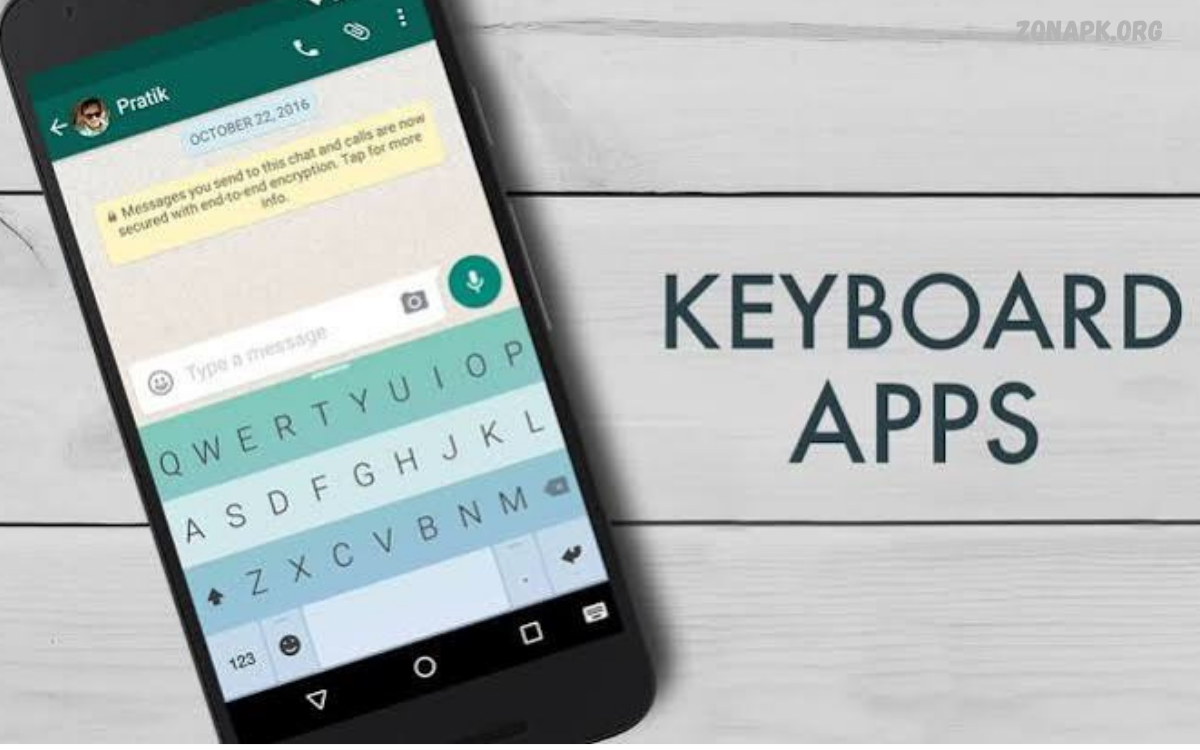
The best Android keyboard apps can turn everyday typing into a faster, smoother, more personalized experience. Whether you send messages, write emails, create social media posts, or prepare professional documents, a reliable keyboard helps improve typing comfort and productivity.
The right keyboard depends on personal preferences, typing habits, privacy needs, and language requirements. Some apps focus on AI and predictive text, while others emphasize customization, minimal design, or multilingual typing.
Why Choose a Better Android Keyboard?
A high-quality keyboard makes typing more convenient by correcting common spelling mistakes, predicting words, and reducing unnecessary keystrokes. Features such as swipe typing and personalized suggestions help users compose messages quickly without repeatedly tapping individual letters.
Keyboard customization also plays an important role in the overall Android experience. Users can select themes, adjust keyboard height, change layouts, enable one-handed typing, and configure vibration or sound feedback. The best Android keyboard apps combine practical typing tools with a comfortable interface, letting users create a setup that suits their needs.
Gboard: Google Keyboard
Gboard is a popular Android keyboard developed by Google. It combines conventional typing with glide typing, voice input, multilingual support, emoji search, GIF search, and predictive text. Its straightforward interface makes it suitable for everyday messaging, online searches, email composition, and general writing. Users can also switch between supported languages without constantly changing applications.
Another advantage of Gboard is its integration with Google services and its range of practical typing tools. Depending on the device, language, and application version, users may have access to additional features such as translation and AI-assisted writing tools. Gboard is a strong choice for people seeking a balanced keyboard with dependable everyday functionality, although available features and privacy settings should be reviewed before use.
Microsoft SwiftKey Keyboard
Microsoft SwiftKey is an established keyboard application known for personalized predictions, multilingual typing, and flexible customization. Its prediction system learns from typing patterns when the relevant personalization features are enabled, helping users enter frequently used words and phrases more efficiently. Swipe typing, autocorrect, emoji suggestions, and multiple language layouts make SwiftKey useful for different communication styles.
SwiftKey also provides theme options and settings that allow users to adjust their typing experience. People who regularly switch between languages may appreciate its multilingual capabilities, while frequent messaging users can benefit from its predictive features. Some advanced capabilities depend on the current version and account configuration, so reviewing the available settings can help users determine whether SwiftKey matches their requirements.
Grammarly Keyboard
Grammarly Keyboard focuses on writing assistance rather than extensive visual customization. It can identify spelling mistakes, grammatical issues, and certain punctuation problems while users compose messages, emails, and other text. These tools are especially helpful for students, professionals, and anyone who wants to produce clearer written communication directly from an Android device.
The keyboard can also offer suggestions that improve clarity and tone, depending on the available features and subscription plan. However, automated recommendations should always be reviewed before accepting them because context, meaning, and personal writing style matter. Users should also read the application’s privacy information and understand how text is processed before enabling writing assistance across different applications.
Fleksy Keyboard
Fleksy is an alternative for Android users who prefer a distinctive typing interface and customization options. Its design emphasizes efficient text entry, keyboard personalization, and gesture-based controls. Depending on the current version, users may find themes, extensions, and other tools that make typing more convenient without requiring a complicated setup.
Fleksy can appeal to people who enjoy experimenting with different keyboard layouts and interaction methods. Its interface may feel different from more familiar keyboards, so spending some time adjusting to its gestures and settings can be worthwhile. Before choosing it as a primary keyboard, check the current feature list, language support, update history, and compatibility with your Android device.
Typewise Keyboard
Typewise offers an alternative keyboard layout designed to change how users interact with the touchscreen. Its distinctive hexagonal keys and layout aim to make individual key selection easier, while supported versions may include autocorrection and gesture-based editing tools. This different approach can interest people who want to explore alternatives to conventional rectangular keyboard layouts.
The learning process is an important consideration when evaluating Typewise. Users accustomed to traditional Android keyboards may initially need time to develop familiarity with its layout. The application may suit people interested in an alternative typing experience, but comparing the free features, paid options, language availability, and device compatibility can help determine whether it provides sufficient everyday value.
Chrooma Keyboard
Chrooma Keyboard is known for its colorful interface and visual customization. Depending on the available version, its features may include adaptive colors, themes, emoji suggestions, gesture typing, and other tools intended to personalize the keyboard. Its design can appeal to users who want their keyboard to complement the appearance of their Android device.
Customization should remain balanced with usability and reliability. A visually attractive keyboard is most useful when it also offers comfortable key spacing, dependable autocorrection, and appropriate language support. Since application features and maintenance can change over time, check the latest store listing and recent reviews before installing Chrooma as your main typing application.
OpenBoard and Privacy-Focused Alternatives
Users who prefer a straightforward keyboard may want to investigate open-source alternatives such as OpenBoard. Open-source software allows its publicly available source code to be examined, providing a different approach to transparency compared with closed-source applications. Depending on the specific build, these keyboards may offer essential typing functions without emphasizing online personalization services.
Privacy requires more than selecting an open-source application. Users should examine the application’s permissions, maintenance status, update history, and any optional network-related functionality. A project that is no longer actively maintained may lack compatibility improvements or security fixes. Choosing a trustworthy keyboard means considering both its technical transparency and its current development status.
AI Keyboard Apps for Android
AI-powered keyboard tools are becoming increasingly relevant for users who write frequently on smartphones. Depending on the application, these tools can assist with rewriting sentences, adjusting tone, correcting grammar, summarizing text, or suggesting alternative wording. Such features can save time when preparing professional emails, social media captions, customer replies, and other everyday content.
However, AI writing assistance is not equally available across all keyboard applications, languages, devices, or subscription plans. Some features may require an account or an internet connection, while others may process text through external services. Users should verify the application’s current capabilities and privacy policies before entering confidential information into an AI-assisted keyboard.
Best Keyboard Apps for Android Customization
Customization is an important reason many Android users replace their default keyboard. Popular personalization options include colorful themes, background images, adjustable keyboard height, alternative fonts within supported interfaces, key borders, and different sound or vibration settings. These controls allow users to create a typing environment that feels comfortable and visually appealing.
When comparing customizable keyboards, consider readability alongside appearance. A theme with low contrast or unusually small keys can make typing more difficult, particularly during extended writing sessions. Choose an interface with clear lettering, suitable key spacing, and convenient controls. The best keyboard apps for Android provide useful personalization without making ordinary typing unnecessarily complicated.
Best Keyboard Apps for Multilingual Typing
Multilingual keyboards are valuable for users who communicate in English, Urdu, Arabic, Spanish, and other languages. Many modern keyboard applications support multiple language layouts, predictive suggestions, and automatic language recognition. These capabilities can make it easier to switch between personal conversations, professional messages, and content written for different audiences.
Before installing a keyboard, confirm that it supports the exact languages and input methods you need. Urdu users, for example, may prefer a phonetic layout that converts familiar Roman-letter input into Urdu script, while others may prefer a traditional Urdu layout. Testing language switching, spelling suggestions, punctuation, and script rendering can help identify the most convenient option.
Read Also: Best App Lock Apps: Top Choices for Android Privacy and Security
Best Keyboard Apps for Fast Typing
Fast typing depends on more than the application’s name. Predictive text, swipe input, reliable autocorrection, personalized dictionaries, and suitable keyboard dimensions can all influence typing speed. Users who regularly compose long messages may benefit from learning swipe gestures, adding frequently used words to their dictionaries, and choosing a layout that supports comfortable thumb movement.
It is equally important to maintain accuracy. Aggressive autocorrection can change names, technical terms, and words written in another language. Reviewing suggestions and adjusting correction settings can reduce these interruptions. Rather than choosing a keyboard solely because it advertises fast typing, test it with everyday messages and select the option that offers the best balance of speed, accuracy, and comfort.
Privacy and Security When Using Keyboard Apps
A keyboard can potentially access sensitive information entered through text fields, making privacy an important part of the selection process. Depending on its permissions and implementation, a keyboard may process typed text locally or transmit certain information to online services. Features involving cloud predictions, AI writing, personalization, and synchronized dictionaries deserve particular attention.
Before installing a keyboard, review its developer information, privacy policy, requested permissions, and data safety disclosures. Disable unnecessary online features, avoid entering confidential information into unfamiliar AI tools, and install applications from trusted sources. Remember that privacy disclosures are useful starting points rather than absolute guarantees. A carefully selected keyboard can offer convenient typing tools while helping users make informed decisions about their data.
How to Choose the Right Android Keyboard
Start by identifying your main typing needs. Gboard and SwiftKey are useful starting points for general typing and multilingual communication, while Grammarly Keyboard emphasizes writing assistance. Fleksy, Typewise, and Chrooma offer alternative approaches to interface design or customization, whereas privacy-conscious users may want to investigate maintained open-source projects and their technical documentation.
Next, consider compatibility, accessibility, language support, subscription costs, and update frequency. Try the keyboard with messaging applications, email, search fields, and other everyday tasks. Check whether its suggestions work well for your language and whether its layout remains comfortable during longer sessions. A suitable keyboard should meet your practical needs without requiring unnecessary permissions or complicated adjustments.
Tips for Getting Better Results from Keyboard Apps
Begin by adjusting keyboard height, language settings, autocorrection, and predictive text to suit your typing habits. Add frequently used names or specialized terms to the personal dictionary when the application supports it. Explore swipe typing and voice input if they are available and convenient, but keep traditional typing enabled for situations where those methods are less effective.
Review the keyboard’s privacy and personalization settings periodically, especially after major updates. Remove languages you do not use, disable distracting suggestions, and choose a readable theme. If the keyboard repeatedly changes correct words or causes typing problems, adjust its settings or test another application. Small improvements can make daily communication more reliable and comfortable.
Common Mistakes When Selecting Keyboard Apps
One common mistake is choosing a keyboard solely because it has attractive themes or a long list of advertised features. Appearance matters, but reliable predictions, suitable language support, accessibility, and regular maintenance are equally important. Another mistake is ignoring compatibility or installing an application without checking whether its essential features are available on the device.
Users should also avoid assuming that every keyboard handles privacy in the same way. Some applications rely more heavily on cloud services, while others emphasize offline functionality. Reading privacy disclosures, examining permissions, and checking recent updates can help prevent unpleasant surprises. Selecting a keyboard based on practical requirements is more effective than installing several applications simply to collect extra features.
Frequently Asked Questions
Which Is the Best Keyboard App for Android?
Gboard is a strong general-purpose option because it combines predictive typing, voice input, multilingual support, and convenient everyday tools. Microsoft SwiftKey is another popular choice, especially for users who appreciate personalized suggestions. The best option ultimately depends on your preferred languages, typing habits, and privacy requirements.
Is Gboard Better Than SwiftKey?
Both keyboards provide useful typing features, including autocorrection, predictive text, and support for multiple languages. Gboard offers a straightforward experience with Google-related tools, while SwiftKey emphasizes personalized predictions and customization. Trying both apps can help you decide which interface and suggestion system works best for you.
Which Android Keyboard Is Best for Privacy?
The answer depends on the application’s design, permissions, data practices, and available offline functionality. Users concerned about privacy can investigate maintained open-source keyboards, examine their technical documentation, and disable unnecessary online features. Always review current privacy disclosures before choosing a keyboard.
Are Keyboard Apps Free?
Many Android keyboards offer free basic functionality, although some provide paid themes, subscriptions, or advanced writing tools. Availability and pricing can change with application updates. Check the official store listing to understand which features are included without payment.
Can Keyboard Apps Support Urdu Typing?
Yes, several Android keyboards support Urdu input, although layouts and typing methods vary. Some provide a dedicated Urdu keyboard, while others offer phonetic input or language switching. Confirm that the selected application supports your preferred Urdu layout and displays the script correctly.
Do Keyboard Apps Improve Typing Speed?
Keyboard apps can help improve typing efficiency through swipe gestures, predictive text, autocorrection, and personalized dictionaries. Results depend on individual habits, language, and familiarity with the interface. Choosing comfortable settings and practicing regularly can help you type more efficiently.
Are AI Keyboard Apps Safe to Use?
AI keyboard tools can be useful, but privacy practices differ among applications. Some features may send text to online services for processing. Review the privacy policy and avoid submitting passwords, financial details, confidential documents, or other sensitive information to unfamiliar AI features.
Conclusion
The best keyboard apps for Android offer different combinations of typing accuracy, customization, language support, writing assistance, and privacy controls.
No single keyboard suits every Android user. The right choice depends on typing habits, preferred languages, device compatibility, privacy expectations, and desired features. Compare current app details, test options that match your needs, and adjust settings for a comfortable experience.

1 Comment
Pingback: Best Wallpaper Apps for Android: Stunning Backgrounds for Every Screen - Zonapk