

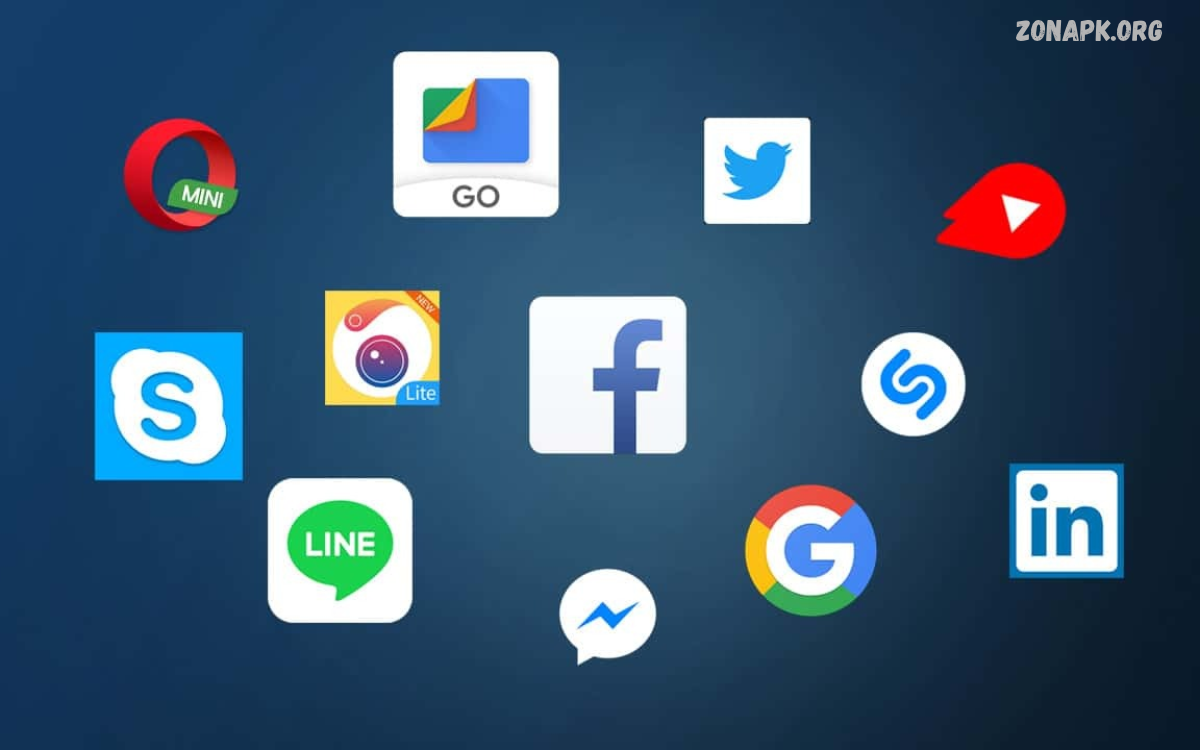
Best Lightweight Android Apps help users enjoy essential mobile features without using excessive storage, memory, or battery. These apps help people get a smoother Android experience, especially on devices with limited storage or modest hardware.
Choosing the right lightweight apps can improve everyday phone use and make common tasks easier. Many apps offer clean interfaces, faster loading times, and fewer background processes than feature-heavy alternatives.
Best Lightweight Android Apps for Everyday Use
Lightweight Android apps help with browsing, messaging, note-taking, reading documents, and organizing files. Instead of installing several applications with overlapping features, choose a small set that covers your daily needs.
The best choices depend on the tasks you perform most often. A lightweight browser suits frequent web users, a simple notes app helps with quick reminders, and a built-in file manager can organize downloads without another installation.
Opera Mini for Lightweight Web Browsing
Opera Mini is a browser worth considering when mobile data is expensive or internet connections are slow. It offers data-saving features and offline page options, making it useful for reading selected content while reducing repeated downloads. Actual savings depend on the websites you visit and the browser settings you choose. iTechGuides
For a smoother experience, avoid keeping too many tabs open and close pages you no longer need. Some websites may not display perfectly in data-saving modes, so test important services before relying on them. Download the browser from a trusted official source and review its privacy settings.
Google Go for Lightweight Search
Google Go is designed for search on phones with limited storage and slower connections. It provides quick access to information and shortcuts to frequently visited websites, helping users complete basic tasks without installing a separate app for every service. iTechGuides
Its usefulness depends on regional availability, Android compatibility, and the features currently offered. Search results can still lead to websites with large images, videos, and ads, so the app can’t guarantee low data use. Check the current Google Play listing before installation.
Facebook Lite for Social Networking
Facebook Lite is designed to provide core social networking features while accommodating limited storage and slower internet connections. It’s a practical alternative for people who mainly check updates, read posts, interact with friends, and access basic account features. TheTechBasket
However, social feeds can still use substantial data when they contain videos, photos, and automatically loaded content. Review autoplay and media settings, and compare the available features with your needs. If the app isn’t available or compatible with your phone, the mobile website may be a suitable alternative.
Files by Google for Storage Management
Files by Google helps users browse downloads, organize documents, and identify files that may no longer be needed. It is useful when a phone has limited free storage and you want a straightforward way to review photos, documents, and downloaded media.
Before deleting anything, make sure important files are backed up and that you recognize the content. If your phone already includes a reliable file manager, you may not need another one. Removing unused apps and unnecessary downloads often helps more than installing a separate phone-cleaning tool.
Lightweight Notes Apps for Daily Productivity
A simple notes application can help you record ideas, create shopping lists, save study reminders, and organize everyday tasks. For lightweight use, look for a clean interface, quick startup, and reliable local note storage rather than complicated features you rarely use.
Your phone may already include a notes application that meets these needs. Using an existing app avoids an extra download and reduces the number of applications you need to manage. Before choosing another option, check sync settings, backup options, and whether your notes stay accessible offline.
Lightweight Calendar Apps for Planning
A calendar app can help organize classes, personal activities, appointments, and important dates. A simple calendar with clear reminders and a manageable interface is often enough for everyday planning, particularly when your phone has limited storage or you prefer fewer applications.
The built-in Android calendar or an existing Google Calendar installation may already provide everything you need. Disable unnecessary calendar synchronization only when you understand how it affects your reminders and shared events.
Lightweight Music Players for Offline Listening
A straightforward music player can play audio files already stored on your device without requiring continuous internet access. This is useful for listening to downloaded music, recorded lessons, language practice, or other audio content while traveling or studying.
Choose a player that supports your audio formats and requests only the permissions it needs. Download audio over Wi-Fi when possible, and keep enough free storage for other tasks. If your phone already has a music player that works well, keep it for simplicity.
Lightweight Photo Gallery Apps
A simple photo gallery helps you browse pictures, review screenshots, and organize images without relying on a complicated editing suite. For everyday use, prioritize fast browsing, album organization, and compatibility with your device’s image formats.
Gallery applications do not reduce the storage occupied by your photos simply by displaying them. To free space, review duplicate images, unwanted screenshots, and large videos before deleting anything. Keep backups of important memories, and avoid unfamiliar apps that request unnecessary access to your files.
Lightweight Android Launchers for a Cleaner Home Screen
A lightweight launcher changes how your home screen displays applications, shortcuts, and widgets. Options such as KISS Launcher and Olauncher focus on simpler interfaces, making them worth considering if you want fewer visual distractions and a more organized home screen. Minimalistic +1
A minimalist launcher will not automatically make every part of Android faster, and actual resource use varies by device. Try a launcher only if you want a different home-screen experience; review its permissions and check how to restore your previous layout before switching.
Read Also: Essential Buying Considerations for Tumblers in Bulk From Crafix
Lightweight Document Readers for PDFs
A PDF reader helps with school notes, ebooks, forms, manuals, and other documents. If your phone already opens PDF files correctly, there is little reason to install another reader. A simple existing tool may be enough for reading and searching through documents.
When selecting a separate reader, check whether it supports text search, page navigation, and offline access. Avoid granting broad access to unrelated files or contacts when it is unnecessary. Keep important documents organized in clearly named folders so they remain easy to locate.
Lightweight Messaging Apps for Communication
Messaging applications help you exchange text, images, voice messages, and files. The best option is usually the trusted service your friends and family already use, provided it supports your device and offers suitable privacy and security protections.
Avoid unofficial modified versions that promise smaller downloads or extra features. Such applications may expose your account or personal information to unnecessary risks. Review notification settings and automatic media downloads to manage interruptions, storage use, and mobile data.
How to Choose the Best Lightweight Android Apps
Start by identifying your phone’s main problem. If storage is nearly full, review large files and remove applications you no longer use. If browsing consumes too much mobile data, investigate browser data-saving features and disable automatic media playback where possible.
Next, check each app’s current download size, permissions, compatibility, and recent maintenance history. Install only applications that offer a clear benefit over your existing tools. Remember, lightweight design does not automatically mean an app is secure, private, or free of ads.
Tips for Improving Android Performance
Keep your device updated whenever compatible security and software updates are available. Remove unused apps, limit unnecessary background activity, and review battery and storage settings to find apps that use more resources than expected. These steps can help keep your device running smoothly day to day.
Avoid unknown RAM boosters and aggressive cleaning applications that promise dramatic speed improvements. Android manages memory automatically, and repeatedly forcing apps to close can interfere with normal operation.
Frequently Asked Questions
What are the best lightweight Android apps?
Consider Opera Mini, Google Go, Files by Google, and simple built-in tools for browsing, searching, and file management. The right choice depends on your phone, region, and everyday requirements.
Do lightweight apps improve phone speed?
They may reduce resource demands compared with certain feature-heavy alternatives, but results vary. Device age, available memory, storage condition, and Android software also affect performance.
Can lightweight apps save mobile data?
Some browsers and applications offer data-saving features. You can also reduce data consumption by disabling autoplay, restricting background data where appropriate, and downloading content over Wi-Fi.
Are lightweight Android apps safe?
An app’s small size doesn’t guarantee safety. Use trusted sources, check developer information and permissions, and avoid unofficial, modified apps.
Should I install a lightweight app for every task?
No. Using existing Android tools can save storage and reduce unnecessary complexity. Install a separate application only when it provides a useful feature that your current tools lack.
Conclusion
The Best Lightweight Android Apps help you handle everyday tasks with less clutter and potentially lower resource use. Opera Mini, Google Go, Files by Google, simple notes tools, and minimalist launchers offer different benefits depending on your needs.
For the best experience, choose reliable apps, review their permissions, and avoid installing multiple apps that do the same job. A well-organized phone with enough free storage is more useful than one cluttered with unnecessary apps.

1 Comment
Pingback: Best Selfie Editing Apps: for Stunning Photos- Zonapk