

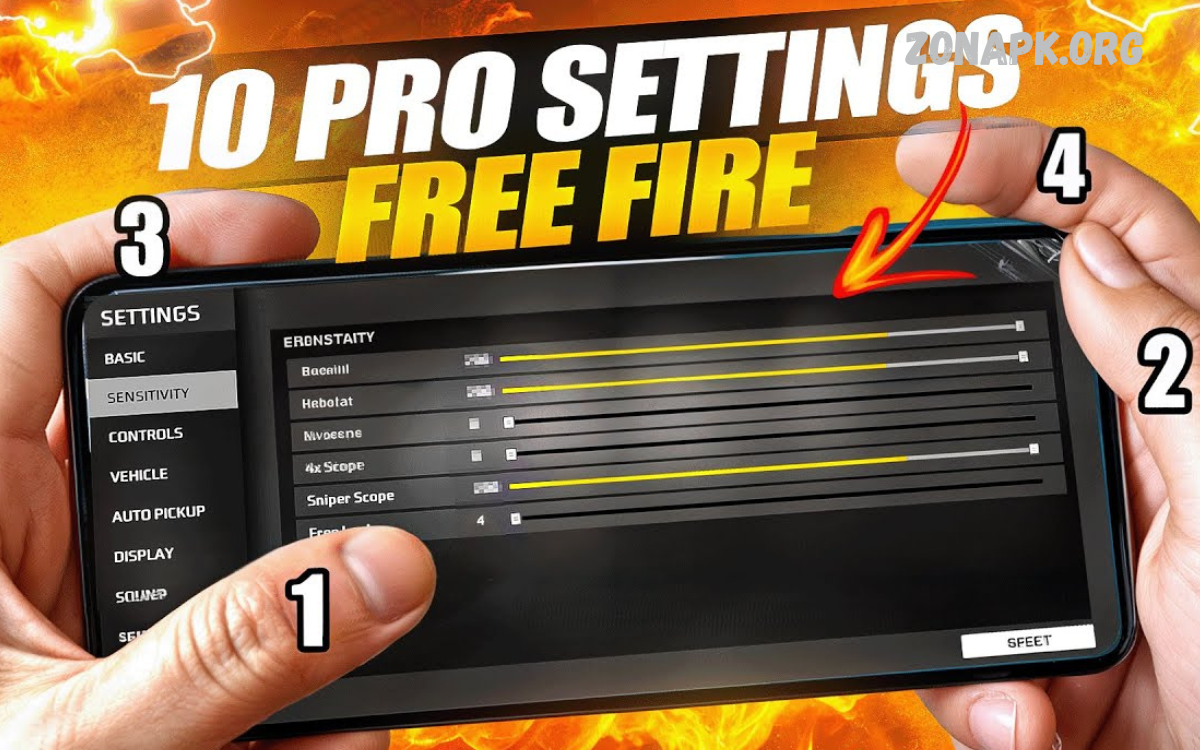
Finding the best sensitivity settings in Free Fire can completely transform your gameplay, turning average performance into high-level competitive skill. Sensitivity settings control how fast your aim moves when you swipe the screen, making them one of the most important factors for accurate shooting, quick reactions, and smooth movement.
Every device performs differently, so there is no single “perfect” setting that works for everyone. However, players often adjust general sensitivity, red dot, 2x scope, 4x scope, sniper scope, and free look options to match their playstyle.
Best Sensitivity Settings for Free Fire (Pro Recommended)
Below is a balanced sensitivity setup used by many advanced players. This setup works for most devices:
General Sensitivity: 90 – 100
General sensitivity controls overall movement and aiming speed. High value helps in fast turning and quick enemy tracking.
Red Dot Sensitivity: 85 – 95
Red Dot is important for close-range fights. High sensitivity improves drag headshots and fast target switching.
2x Scope Sensitivity: 75 – 85
This setting balances control and speed for mid-range combat. Helps maintain accuracy during movement.
4x Scope Sensitivity: 65 – 75
Lower sensitivity improves stability for long-range shooting while still allowing smooth tracking.
Sniper Scope Sensitivity: 50 – 60
Best for precise aiming with sniper rifles. Lower sensitivity reduces shake and improves accuracy.
Free Look Sensitivity: 80 – 90
Helps in scanning the surroundings quickly without changing the direction of movement.
Device-Based Sensitivity Adjustment
Sensitivity settings also depend on your device’s performance.
Low-End Devices
Low-end phones require slightly higher sensitivity due to screen lag and touch delay. Recommended:
- General: 95 – 100
- Red Dot: 90 – 100
- Scope settings: slightly higher than average
Mid-Range Devices
Balanced performance allows standard pro settings:
- General: 90 – 95
- Red Dot: 85 – 90
- Stable scope control
High-End Devices
High refresh rate screens need lower sensitivity for precision:
- General: 85 – 90
- Red Dot: 80 – 85
- Better recoil control focus
Tips to Improve Aim Using Sensitivity Settings
1. Use Drag Headshot Technique
Drag your crosshair upward while shooting to increase your chances of a headshot. High red dot sensitivity helps here.
2. Control Recoil Manually
Do not depend only on settings. Pull down the screen slightly while firing for stability.
3. Practice in Training Mode
Spend time in the training ground adjusting sensitivity for different weapons, such as SMGs, ARs, and sniper rifles.
4. Avoid Extreme Settings
Very high sensitivity causes loss of control. Very low sensitivity reduces reaction speed. Balance is key.
5. Customize According to Playstyle
Rush players prefer higher sensitivity, while defensive players prefer lower values.
Read Also: Best Photo Editing Apps 2026 – Top Apps for Professional and Casual Photo Editing
Best Sensitivity for Different Play Styles
Rush Player Settings
Rush players need fast movement and quick aim:
- General: 95 – 100
- Red Dot: 90 – 100
- Scope: medium-high
Balanced Player Settings
Suitable for all-round gameplay:
- General: 90
- Red Dot: 85
- Stable scopes
Sniper Player Settings
Focused on accuracy and precision:
- General: 85
- Sniper Scope: 50 – 55
- Lower shake control
Common Mistakes Players Make
1. Copying Pro Settings Without Adjustment
Every device is different, so copied settings may not work.
2. Ignoring Practice
Sensitivity alone cannot improve gameplay without training.
3. Changing Settings Too Often
Frequent changes reduce muscle memory.
4. Using Same Settings for All Modes
Ranked and Clash Squad may need slight adjustments.
Advanced Sensitivity Optimization Tips
- Keep DPI balanced (if available on device)
- Use custom HUD layout for better control
- Enable high FPS mode if supported
- Adjust sensitivity after every major update
- Test with different weapons regularly
Best Sensitivity Settings for Free Fire (Final Recommended Setup)
A universal optimized setup for most players:
- General: 92
- Red Dot: 88
- 2x Scope: 80
- 4x Scope: 70
- Sniper Scope: 55
- Free Look: 85
This setup provides a balance between speed and control, making it suitable for ranked matches and competitive gameplay.
Frequently Asked Questions
What is the best general sensitivity in Free Fire?
A balanced general sensitivity is usually between 90 and 100 for fast aiming and smooth movement.
Why is my aim not improving even after changing the sensitivity?
Sensitivity alone is not enough; practice training, recoil control, and aiming technique are also required.
Which sensitivity is best for sniper shooting?
Lower sniper scope sensitivity, around 50 to 60, gives better stability and precise long-range shots.
Can sensitivity settings improve gameplay instantly?
No improvement happens overnight; practice is required to build muscle memory in new settings.
Should I use the same sensitivity for all devices?
No different devices need different sensitivity based on screen size, FPS, and touch response.
How often should I change sensitivity settings?
Avoid frequent changes; adjust only when you feel discomfort or after major game updates.
What is the best overall sensitivity setup for Free Fire?
A balanced setup is General 90 to 95, Red Dot 85 to 90, Scope 70 to 80, and Sniper 50 to 60.
Conclusion
Best Sensitivity Settings for Free Fire directly impact aim precision, recoil control, and overall performance. A well-balanced sensitivity setup improves reaction time and helps players win more fights. There is no single perfect setting, but consistent practice and small adjustments yield significant improvement over time.
Players who understand sensitivity mechanics and train regularly can easily reach higher ranks and improve headshot accuracy. Focus on balance, comfort, and consistent practice to achieve pro-level gameplay in Free Fire.
