

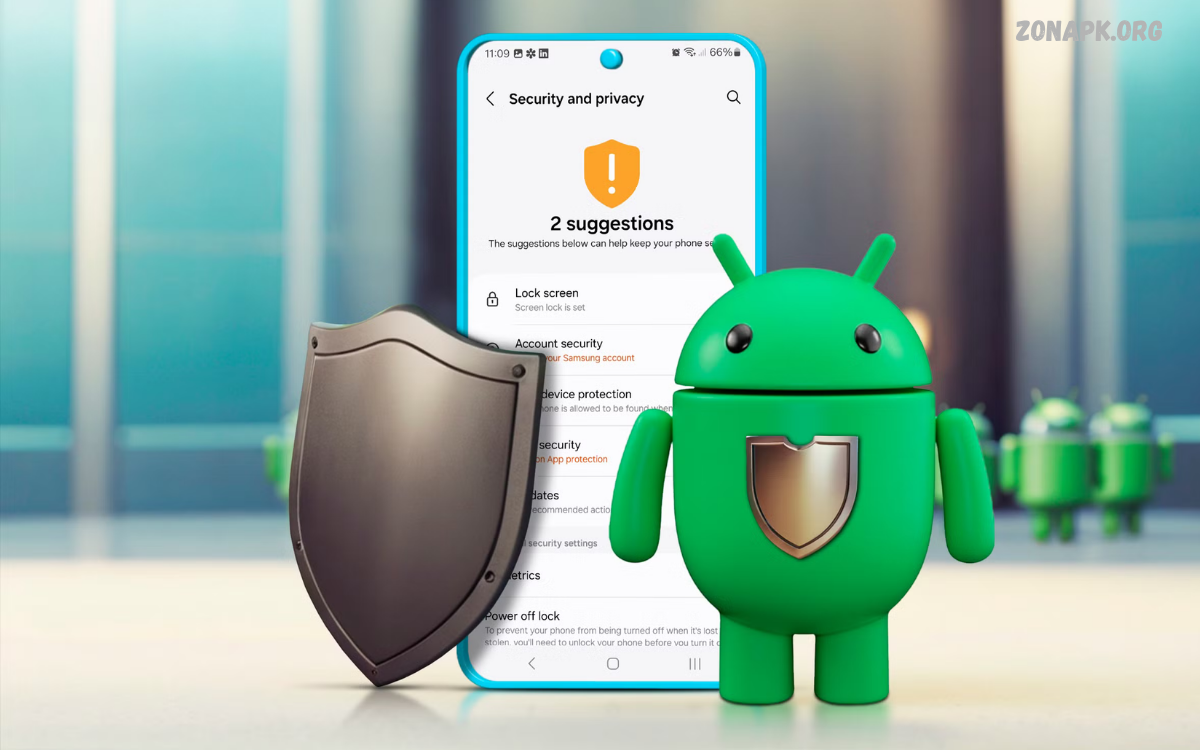
Android Security has become an essential part of modern smartphone usage. Android devices handle personal messages, photos, financial information, passwords, work documents, and private accounts every day.
As mobile technology evolves, Android Security continues to improve. Modern Android versions include multiple built-in protections designed to secure applications, operating-system components, accounts, and personal data.
What Is Android Security?
Android security refers to the collection of technologies, settings, policies, and user practices designed to protect Android devices and their stored information. These protections work across different layers, including applications, system software, device access, network connections, and personal accounts.
A secure Android device combines built-in security features with responsible user behavior. Keeping software updated, installing applications from trusted sources, using strong authentication, and reviewing permissions can significantly improve overall protection.
Why Android Security Matters
Smartphones contain a large amount of sensitive information. Contacts, photographs, emails, social accounts, payment information, documents, and browsing activity can all become targets for unauthorized access.
Android Security helps reduce these risks by creating several protective layers. Even if one security measure is challenged, additional protections can help limit the potential impact. This layered approach makes mobile security an important part of everyday digital privacy.
Built-In Android Security Features
Android includes security mechanisms that protect applications and system resources from unauthorized activity. Application sandboxing separates apps from one another, limiting access to information and functions an app does not need.
Other protections operate at the system level and help defend against malicious software and unauthorized changes. Depending on the device and Android version, security features can include verified boot, encryption, app scanning, biometric authentication, and security updates.
Android Security Updates
Security updates are among the most important protections available to Android users. Manufacturers and software developers regularly address discovered vulnerabilities through security patches. Installing available updates can help reduce exposure to known security weaknesses.
Users should check their device settings regularly for system and security updates. Automatic updates can also simplify maintenance when supported by the device. Keeping applications updated is equally important because vulnerabilities can exist inside individual apps as well as the operating system.
Protecting Android Apps
Applications are a major part of the Android experience, but every installed application can introduce additional security considerations. Users should install apps from reputable sources and review the developer information before installation.
Application permissions deserve particular attention. An app may request access to the camera, microphone, contacts, location, storage, or other resources.
Google Play Protect and App Safety
Google Play Protect is designed to help identify potentially harmful applications and protect Android users from malicious software. It can scan applications and provide warnings when security risks are detected. Keeping this protection enabled adds another security layer to an Android device.
Users should still avoid relying on automated protection alone. Security tools can reduce risk, but they cannot replace careful browsing, responsible downloads, and sensible permission management. A combination of automated safeguards and informed decisions provides stronger protection.
Android Lock Screen Security
A secure lock screen provides the first line of defense when a smartphone is lost or accessed by another person. PINs, passwords, patterns, and supported biometric methods can prevent unauthorized users from easily opening the device.
A strong PIN or password should be difficult for others to guess. Users should also avoid sharing authentication credentials. Biometric authentication can provide convenient access while maintaining a security barrier, although the available options and protections vary by device.
Protecting Personal Data on Android
Personal data protection is a central part of Android Security. Smartphones often store information that users would not want exposed, including photographs, documents, conversations, account credentials, and personal files. Device encryption can help protect stored information from unauthorized access.
Users should also consider where sensitive files are stored and which applications can access them. Regularly reviewing installed applications, permissions, and account activity can reveal unnecessary access. Removing unused applications can further reduce the number of potential access points.
Safe Android Browsing Practices
Web browsing can expose users to phishing pages, malicious downloads, deceptive advertisements, and fraudulent websites. Users should be cautious when a website requests passwords, payment details, verification codes, or other sensitive information unexpectedly.
Before entering private information, users should check the website address and consider whether the request is legitimate. Suspicious pop-ups, urgent warnings, unexpected login requests, and unusual download prompts should be treated carefully.
Android Security and Phishing
Phishing attacks attempt to persuade users to reveal sensitive information by presenting deceptive messages, websites, or login pages. These attacks can arrive through email, text messages, social platforms, advertisements, or other communication channels.
The safest approach is to avoid interacting with suspicious links and verify important requests through an independent source. Users should never provide passwords or verification codes simply because a message creates urgency.
Securing Google Accounts
A Google account can provide access to many services and synchronized Android features. Protecting this account is therefore an important part of device security. A compromised account may expose information beyond the smartphone itself.
Strong account authentication, security alerts, recovery information, and two-step verification can improve account protection. Users should periodically review account activity and connected devices. Removing unfamiliar access can help maintain control over the account.
Two-Step Verification on Android
Two-step verification adds another authentication layer beyond a password. When enabled, an account may require an additional verification method during certain sign-in attempts. This can make unauthorized account access more difficult when a password is exposed.
Users should configure available verification methods carefully and keep recovery options current. Authentication systems vary between services, so users should review the security settings offered by each important account.
Android Security and Public Wi-Fi
Public Wi-Fi can be convenient, but unfamiliar networks can introduce privacy and security concerns. Users should avoid performing highly sensitive activities on networks they do not trust when safer alternatives are available.
When using public networks, users should keep Android and applications updated and avoid accepting unexpected network prompts. Mobile data can be a useful alternative for sensitive activities. Users should also avoid connecting automatically to unfamiliar Wi-Fi networks whenever possible.
Managing Android Permissions
Permission management gives users greater control over how applications interact with device resources. Location, camera, microphone, contacts, files, and other permissions can provide valuable functionality but may not be necessary for every application.
Users should review permissions periodically and remove access that no longer serves a legitimate purpose.
Android Security and Bluetooth
Bluetooth provides convenient connections for headphones, vehicles, watches, keyboards, and other devices. However, users should avoid pairing with unknown devices or accepting unexpected connection requests.
Bluetooth should be managed carefully in unfamiliar environments. Removing old or unused paired devices can improve device management and reduce unnecessary connections.
Android Security for Lost Devices
A lost smartphone can create both privacy and security risks. A strong lock screen can prevent casual access, while account-based device-management tools may provide options for locating, securing, or managing a missing device.
Users should prepare before a device is lost rather than waiting until an incident occurs. Keeping account recovery information current and enabling available device-management features can make recovery efforts more effective. Important data should also have reliable backups.
Android Backups and Data Protection
Backups can protect important information against device loss, damage, accidental deletion, or other problems. Depending on the device and services being used, Android users may have options for backing up applications, contacts, photographs, settings, and other information.
A backup should not replace security. Protect sensitive information with strong authentication and appropriate access controls. Users should periodically confirm that important information is actually being backed up and can be restored when needed.
Read Also: Android Tips: Essential Ways to Improve Your Smartphone Experience
Avoiding Malicious Android Apps
Malicious applications may attempt to steal information, display deceptive content, abuse permissions, or perform unwanted activities. Users can reduce risk by downloading apps from trusted sources and checking app details before installing.
Unusual permissions can be a warning sign, particularly when an application requests access unrelated to its primary purpose. Users should also be cautious with modified application packages, unknown download websites, and unsolicited installation files. When an application behaves suspiciously, removing it can be an appropriate security step.
Android Security for Children and Families
Families can benefit from clear device-security practices and age-appropriate digital guidance. Children should understand why they should not share passwords, verification codes, or private information with unknown people or suspicious websites.
Parents and guardians can also review available family-management and privacy controls. Teaching safe browsing, responsible downloading, and careful permission management creates habits that can remain useful as children become more independent Android users.
Android Security for Mobile Payments
Mobile payment applications require additional attention because they may involve financial information. Users should protect payment-related applications with strong authentication and keep the operating system and applications updated.
Always verify suspicious payment requests before taking action. Users should avoid entering financial information on unfamiliar websites or in unfamiliar applications and should monitor account activity for unexpected transactions.
Android Security and Privacy Settings
Privacy settings allow users to control how applications and services interact with personal information. Reviewing these settings helps users understand which applications can access sensitive resources and how location or other information is used.
Privacy management should be an ongoing process, not a one-time configuration. Applications can change over time, new services may be installed, and Android versions may introduce additional controls. Periodic reviews help keep privacy settings aligned with current needs.
Common Android Security Mistakes
One common mistake is delaying security updates. Another is installing applications without checking their source or requested permissions. Reusing weak passwords, clicking suspicious links, and ignoring unusual account notifications can also increase security risks.
Users may also underestimate how important it is to secure their Google account. Because accounts can connect multiple services and devices, account protection should receive the same attention as the physical smartphone. Avoiding these common mistakes can significantly improve everyday Android Security.
How to Improve Android Security
Improving Android Security does not require complicated technical knowledge. Start with a strong screen lock, install system updates, keep applications updated, and review application permissions. These steps build a strong security foundation.
Next, strengthen important online accounts with two-step verification and regularly review connected devices. Use trusted application sources, avoid suspicious links, and maintain reliable backups. Together, these practices create several layers of protection for the device and its information.
Android Security for Everyday Users
Everyday Android users can maintain strong security by turning good practices into routine habits. Checking updates, reviewing permissions, avoiding unknown downloads, and protecting account credentials should become normal parts of smartphone maintenance.
Security doesn’t depend on one feature or app. Android Security works through multiple protections that operate together. Users who understand these layers can make informed choices and reduce unnecessary exposure without making daily smartphone use difficult.
Future of Android Security
Android Security continues to develop as mobile threats and technologies change. Future devices are expected to place increasing emphasis on privacy, stronger authentication, automated threat detection, application isolation, and protection against sophisticated digital attacks.
Security improvements will likely become more integrated into the operating system and device hardware. Users will still play an important role because technology cannot eliminate every risk. Responsible behavior, regular updates, and careful account management will remain essential components of mobile security.
Android Security Checklist
A practical Android Security checklist can help users maintain consistent protection. Keep the operating system and applications updated, use a strong screen lock, enable appropriate account protections, and regularly review application permissions.
Users should also avoid suspicious downloads, verify unexpected messages, protect important accounts with additional authentication, and maintain backups. These straightforward habits can strengthen protection against many common mobile-security risks.
Frequently Asked Questions
What is Android Security?
Android Security is the collection of technologies, settings, and practices used to protect Android devices, applications, accounts, and personal information from unauthorized access and digital threats.
Why are Android security updates important?
Security updates address known vulnerabilities and can improve the operating system’s protection. Installing updates promptly reduces exposure to known security weaknesses.
How can I improve Android Security?
Use a strong screen lock, install updates, download applications from trusted sources, review permissions, enable additional account authentication, avoid suspicious links, and maintain reliable backups.
Is Google Play Protect useful?
Google Play Protect provides automated application-security checks and can warn users about potentially harmful applications. It is one part of a broader Android Security strategy and should be combined with careful user practices.
Should Android app permissions be reviewed?
Yes. Reviewing permissions helps users understand which applications can access sensitive resources such as location, camera, microphone, contacts, and files. Restrict unnecessary permissions where supported.
How does a screen lock protect Android devices?
A screen lock creates a barrier against unauthorized physical access. A strong PIN, password, pattern, or supported biometric method can help prevent another person from easily opening the device.
Is public Wi-Fi safe for Android users?
Public Wi-Fi can carry additional security and privacy risks because the network may be unfamiliar or poorly secured. Users should exercise caution and avoid sensitive activities on untrusted networks when safer alternatives are available.
How does two-step verification improve security?
Two-step verification adds an additional authentication requirement beyond a password. This makes unauthorized access harder if a password is compromised.
What should I do if my Android phone is lost?
Use available device-management tools to locate, secure, or manage the device when possible. A strong screen lock and up-to-date account recovery information can improve preparedness.
Does Android Security protect all personal information automatically?
No security system provides complete protection automatically. Android includes multiple safeguards, but users should still update software, manage permissions, protect accounts, avoid suspicious activity, and maintain secure backups.
Conclusion
Android security combines technology, privacy controls, account protection, and responsible user behavior. Modern Android devices provide several layers designed to protect applications, data, accounts, and system components, but users still need to configure and use these protections properly.
The strongest approach is consistent rather than complicated. Regular updates, trusted applications, strong authentication, careful permission management, secure browsing, and reliable backups can create a practical security routine.

1 Comment
Pingback: Latest Smartphones: A Complete Guide to New Smartphone Technology and Features - Zonapk