

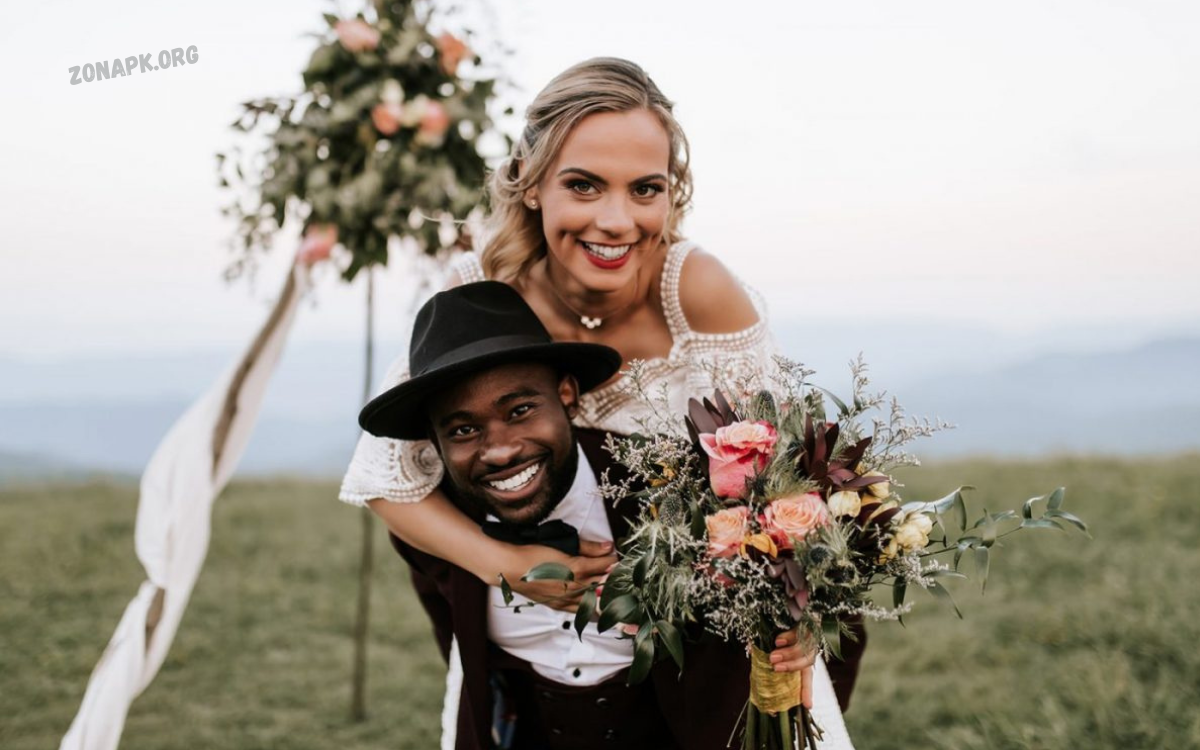
YOur wedding day is a tapestry to be preserved in all their glory. However, capturing those fleeting instants is just the beginning; the real artistry lies in transforming those raw snapshots into breathtaking keepsakes through thoughtful editing. In this article, we’ll explore essential wedding photo editing tips that’ll elevate your images from merely pleasant to truly stunning.
From balancing colors that evoke the day’s atmosphere to enhancing details that capture the essence of your celebration, these techniques will help ensure that every glance at your wedding album brings back a flood of unforgettable memories. Whether you’re a budding photographer or a couple looking to polish DIY shots, these tips will guide you on a journey of creative enhancement. Get ready to turn your wedding memories into timeless works of art!
The Importance of Wedding Photo Editing
Wedding photo editing plays a crucial role in capturing the true essence and beauty of one of the most critical days in a couple’s life. While professional photographers work hard to take stunning shots, editing enhances these images by adjusting lighting, color balance, and sharpness and removing any distractions. It ensures every detail—from the bride’s dress to the décor—is highlighted in its best form.
Editing also allows for artistic touches that can add emotional depth, such as softening tones for a romantic feel or applying black-and-white effects for a timeless look. It helps correct any flaws, such as blemishes, red eyes, or background issues, ensuring the couple looks perfect in every frame.
Consistent editing creates a cohesive wedding album that tells a beautiful, seamless story. Wedding photo editing transforms ordinary pictures into unforgettable memories, preserving the joy, love, and beauty of the special day for a lifetime.
Essential Tools for Wedding Photo Editing
Wedding photo editing requires a combination of software tools and editing techniques to enhance the beauty, clarity, and emotion of each image. Here are the essential tools every wedding photo editor should consider:
Adobe Lightroom
- Purpose: Basic to advanced photo adjustments.
- Why It’s Essential: It offers powerful tools for color correction, exposure adjustment, tone curves, and batch editing—perfect for efficiently handling hundreds of wedding photos.
Adobe Photoshop
- Purpose: Advanced retouching and creative effects.
- Why It’s Essential: Ideal for skin smoothing, removing unwanted objects, adding artistic effects, and enhancing finer details like makeup, backgrounds, or dress textures.
PortraitPro
- Purpose: Portrait retouching.
- Why It’s Essential: Specializes in enhancing facial features, removing blemishes, whitening teeth, and smoothing skin—perfect for bride and groom close-ups.
Nik Collection (by DxO)
- Purpose: Creative filters and advanced photo enhancements.
- Why It’s Essential: Helps add vintage, cinematic, or dreamy effects to wedding photos while maintaining high quality.
Canva or Pixlr
- Purpose: Creating wedding collages, social media posts, and cards.
- Why It’s Essential: Great for designing wedding albums or sharing special moments online with stylish templates and easy drag-and-drop features.
Luminar Neo / AI
- Purpose: AI-based editing and sky/background replacement.
- Why It’s Essential: Perfect for fast, intelligent enhancements and improving outdoor wedding photos by adding dramatic skies or adjusting lighting conditions.
Bonus Accessories:
- High-resolution monitor: For accurate color correction.
- Drawing tablet (like Wacom): For precise retouching.
- Backup storage system: To safely store all wedding files and edits.
Using these tools, editors can turn raw wedding images into stunning, magazine-worthy memories that couples will treasure for a lifetime.
Preparing Your Photos for Editing
Before diving into the actual editing process, it’s essential to properly prepare your wedding photos. This not only saves time but also ensures the best possible results. Here’s a practical and straightforward guide to get your photos ready for editing:
Organize Your Files
- Create folders: Separate photos by events—pre-wedding, ceremony, reception, etc.
- Rename files: Use a clear naming system (e.g., “Bride-Prep_001.jpg”) for easy identification.
- Back up everything: Store originals on multiple drives or cloud storage to prevent loss.
Shoot in RAW Format
- Why RAW? RAW files retain all image data, giving you more control during editing—especially with exposure, shadows, and color correction.
Cull Unwanted Photos
- Review and select: Remove blurry, duplicate, or poorly lit images.
- Choose the best: Focus on emotional moments, good composition, and sharp focus. Use software like Adobe Lightroom, Photo Mechanic, or Bridge for fast culling.
Check Exposure and Focus
- Ensure each selected photo has proper exposure and is in sharp focus. Fixing major exposure issues later can degrade image quality.
Set a Consistent Style
- Determine the overall mood or aesthetic of your wedding album (e.g., bright and airy, warm tones, or moody and dramatic). This will guide your editing choices.
Calibrate Your Monitor
- A calibrated screen ensures accurate colors and brightness while editing. This step is often overlooked but crucial for professional-quality results.
Remove Distractions Before Editing
- Look for things like photobombers, messy backgrounds, or distracting objects. Please make a note to remove or blur them during the editing process.
Preparing your wedding photos before editing streamlines your workflow and helps you produce beautiful, consistent results. Organized, high-quality inputs always lead to better outputs.
Color Correction Techniques for Wedding Photos
The most critical steps in wedding photo editing. It enhances the natural beauty of the scene, accurately brings out skin tones, and maintains a consistent, dreamy aesthetic throughout the entire album. Below are the top techniques used by professional editors:
White Balance Adjustment
- Why: Wedding photos often suffer from color casts due to poor lighting conditions (e.g., indoor bulbs and outdoor sunlight).
- How: Adjust temperature (warm/cool) and tint (green/magenta) to make whites truly white and skin tones look natural.
- Tools: Lightroom, Photoshop, Capture One.
Use of Tone Curve
- Why: Adds depth and contrast.
- How: Slight “S” curve for contrast.
- Adjust highlights and shadows for a soft or dramatic look.
- Pro Tip: Keep skin tones smooth while deepening the blacks subtly for elegance.
HSL Panel Adjustments (Hue, Saturation, Luminance)
- Why: Fine-tunes specific colors.
- How: Adjust the reds and oranges to match natural skin tones.
- Tweak greens in outdoor shots for vibrant foliage.
- Reduce oversaturated colors (such as those found in neon lights or floral overexposure).
Exposure and Contrast Balancing
- Why: Some images may be over- or underexposed.
- How: Increase exposure for dark images but protect highlights.
- Add contrast to make subjects pop without harsh shadows.
Vibrance vs. Saturation
- Why: You want lively colors, not exaggerated ones.
- How:Vibrance: Boosts dull colors while protecting skin tones.
- Saturation: Boosts all colors equally (use cautiously).
Color Grading for Mood
- Why: Gives photos a consistent emotional tone.
- How: Warm tones for romance and joy.
- Cooler tones for calm or cinematic vibes.
- Use split toning to color highlights and shadows independently.
Apply Presets (With Adjustments)
- Why: Speeds up workflow and ensures style consistency.
- How: Use Lightroom presets for soft, filmic, or modern tones—but constantly adjust them to match the specific lighting and skin tones of your subject.
Calibrate Camera Profile
- Why: Different cameras render colors differently.
- How: Use custom camera profiles in Lightroom to standardize tones before editing begins.
Always review your edits alongside the original. Ensure the enhancements feel natural and align with the overall mood of the wedding.
Read Also: The Ultimate Guide to Headshot and GFX Tools for Professional Branding
The Role of Retouching in Wedding Photography
Retouching plays a vital role in transforming wedding photos from good to extraordinary. While capturing authentic moments is essential, retouching helps polish those moments—enhancing beauty, removing distractions, and ensuring that each image reflects the elegance and emotion of the big day.
Enhancing Natural Beauty
Retouching allows photographers to subtly smooth skin, reduce blemishes, whiten teeth, and brighten eyes—without making the couple look artificial. The goal is to enhance, not alter, their natural appearance.
Refining Details
Weddings involve intricate details, including jewelry, dresses, flowers, and décor. Retouching ensures these elements appear crisp, vibrant, and flawless by adjusting lighting, contrast, and sharpness.
Removing Distraction
Unwanted background elements, flyaway hairs, sweat marks, or photo bombers can distract from an otherwise perfect photo. Retouching tools help clean up these issues for a more focused and elegant image.
Creating a Timeless Look
By applying gentle filters, skin tone corrections, and consistent tones across all photos, retouching creates a cohesive and timeless wedding album. This consistency gives the collection a professional, editorial feel.
Fixing Lighting Imperfections
Sometimes, natural or indoor lighting causes shadows, overexposure, or color imbalances. Retouching corrects these flaws, making sure the couple and guests are well-lit and vibrant in every scene.
Preserving Emotions
Emotions are the heart of wedding photos. Retouching should never erase expressions or feelings—it should amplify them by clearing distractions and focusing attention on the connection between people.
Retouching in wedding photography is not about creating fake perfection—it’s about refining each image to reflect the beauty, joy, and emotion of the wedding day in the best possible light. It’s the final touch that turns captured moments into timeless memories.
Frequently Asked Questions
Will the edited photos look natural?
Professional editors focus on enhancing, not over-editing. The goal is to make you look your best while keeping the photos natural and timeless.
Can you remove people or objects from the background?
Yes, in most cases. Retouching tools in Photoshop can remove photo bombers, trash bins, wires, or any unwanted elements.
Will we receive both edited and original photos?
It depends on the photographer. Some providers offer only edited photos, while others include original (RAW or unedited JPEGs) upon request or as part of a premium package.
What software is used for editing?
Standard tools include Adobe Lightroom, Photoshop, Luminar, and PortraitPro—each used for different stages of editing and retouching.
Can I ask for revisions after receiving the photos?
Yes, most photographers allow limited revision rounds. It’s best to clarify revision policies in your contract before the wedding.
Conclusion
Wedding photo editing is more than just enhancing images—it’s about preserving the magic, emotion, and beauty of one of the most critical days in a couple’s life. From color correction to retouching and background cleanup, editing brings out the best in every moment, ensuring that each photo tells a meaningful and visually stunning story. Whether it’s softening skin tones, adjusting lighting, or creating a consistent style, editing transforms raw shots into timeless memories that couples will cherish for years to come.
